Drive with control via PROFINET
8.6 Inserting devices into the project
Getting Started - SINAMICS Startdrive
54 Getting Started, 01/2015
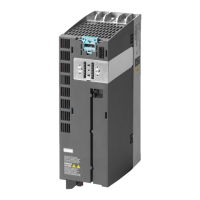
5. Drag the power unit for the device to the free space using Drag&Drop.
6. Switch back to the "Network view" and, with the left mouse button pressed, drag a
connection from the drive's X1 interface to the controller's X1 interface. A PROFINET IO
system is created automatically.
This completes the process for inserting the hardware.










 To Next Page