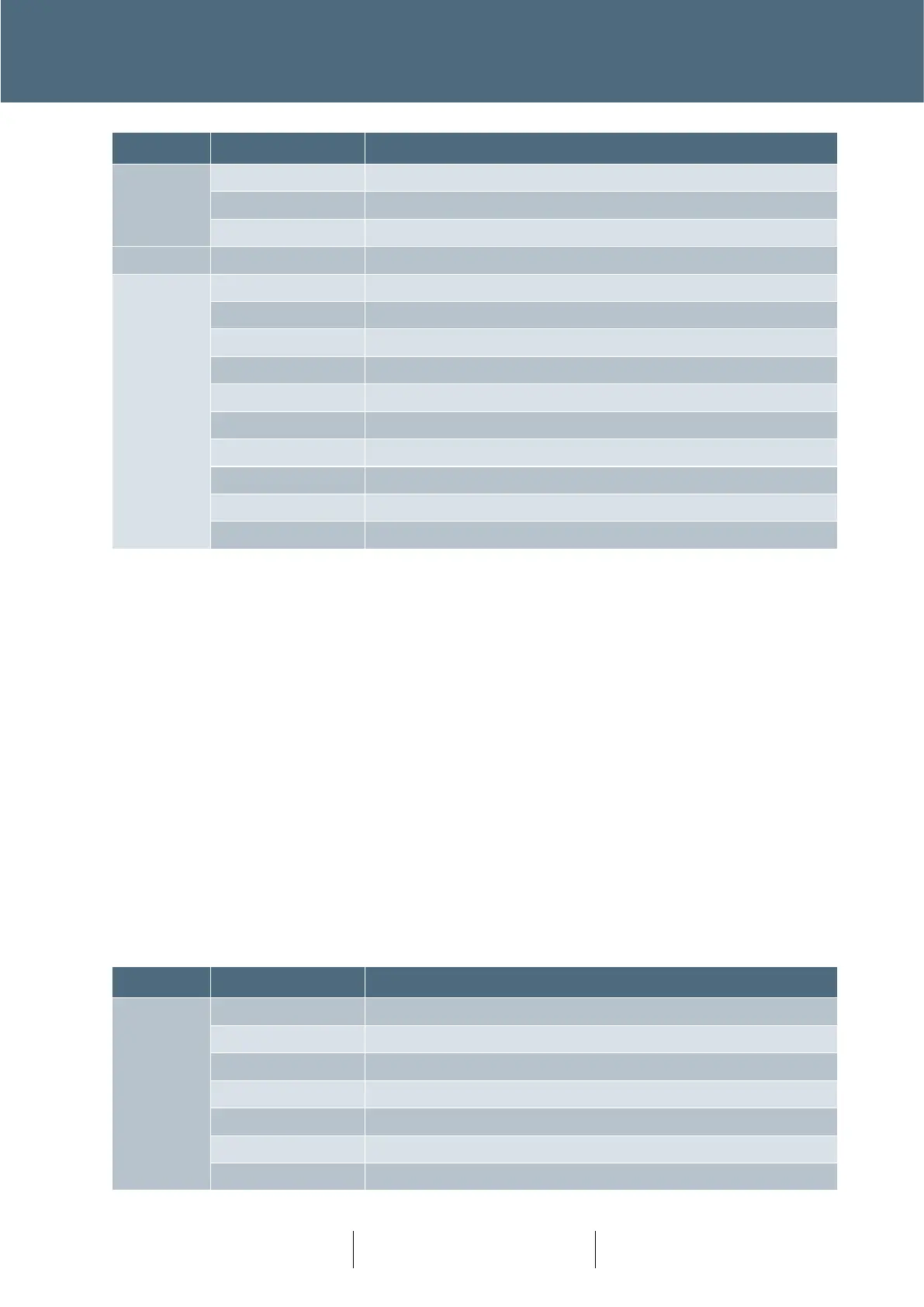
Table 5 : Double Stacked 10W IDC – Top: Cabinet Signals Bottom: Aux RS232
Functions:
Signals on/off switch (3,4) – This input allows an external switch to be used to control the signals
on/off state. If either the internal (on the manual panel) or external switches are in the ‘on’ position
the signals are requested on. (switch closed = signals on)
Cabinet Alarm LED Drive (5,6) – This output allows an external LED indicator to be installed to
indicate the cabinet alarm state. This output is current limited to 33mA under short circuit
conditions.
Door Switch (7,8) – This input allows an external switch to be used to connect a cabinet door
switch. (switch closed = door closed) If either this input or the standard manual panel indicate
door closed the controller door state will be closed.
Reset fault log button (9,10) – This input allows an external push button to be used to reset major
faults in the fault log in the same manner as RFL=1 would do from the handset.
Bottom connector – Serial port used to connect an optional GPS unit (used to maintain the clock).








 To Next Page