SIGLENT
30 SSA3000X User Manual
2.2 Sweep and Function Settings
2.2.1 BW
Set the RBW (Resolution Bandwidth), VBW (Video Bandwidth) and average type parameters of
the analyzer.
2.2.1.1 Resolution Bandwidth
Set the desired resolution bandwidth in order to distinguish between signals which are close in
frequency.
Reducing RBW will increase the frequency resolution, but will increase the sweep time
(Sweep Time is affected by a combination of RBW and VBW when it is in Auto mode).
RBW varies with the span (non-zero span) in Auto RBW mode.
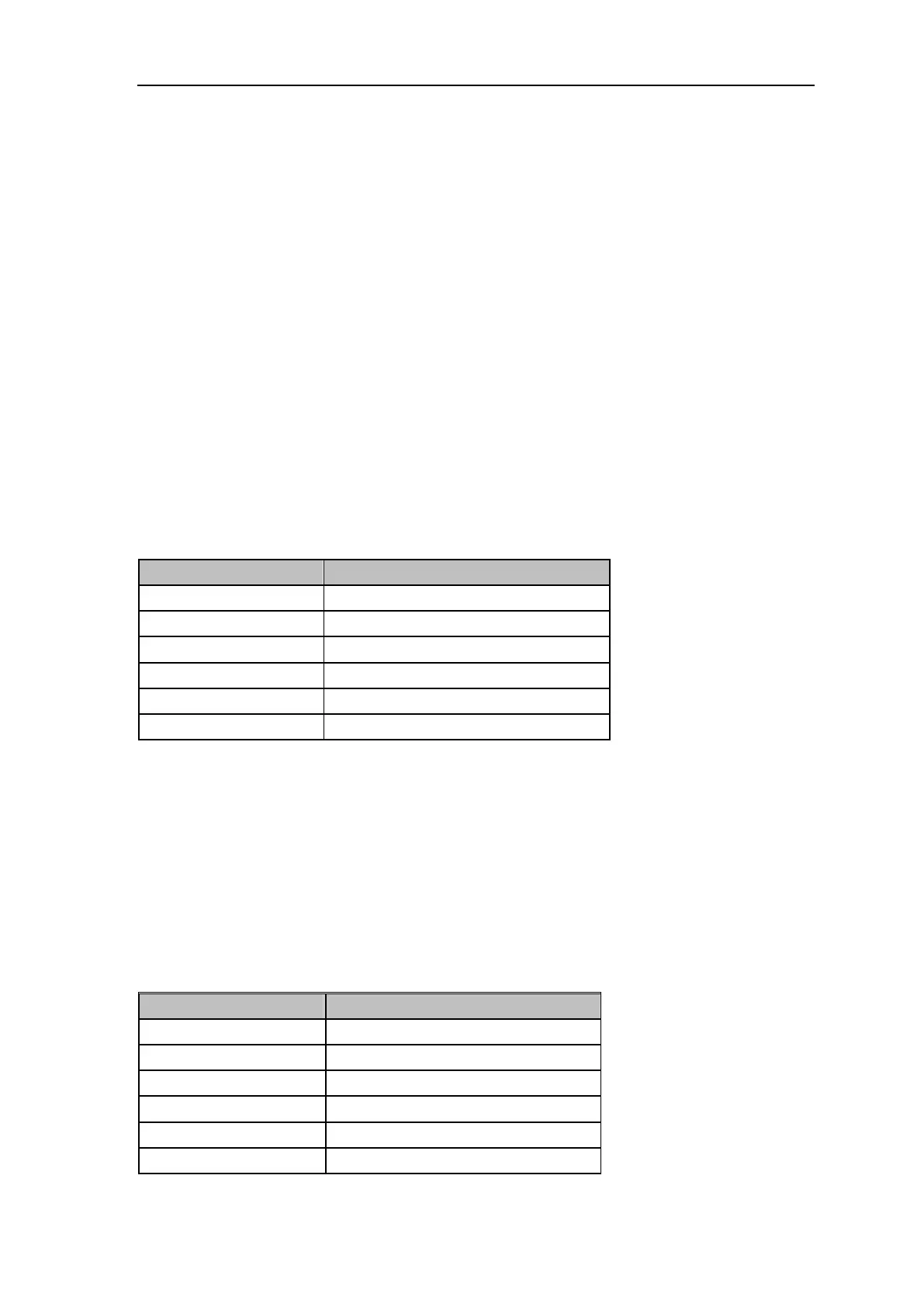
Table 2- 10 RBW
2.2.1.2 Video Bandwidth
Set the desired video bandwidth in order to filter out the noise outside the video band.:
Reducing the VBW will smooth the spectrum line to highlight small signals from noise, but will
increase the sweep time (Sweep Time is affected by a combination of RBW and VBW when it
is in Auto mode).
VBW varies with RBW when it is set to Auto. While in Manual mode, VBW is not affected by
RBW.
Table 2- 11 VBW


 To Next Page
 Loading...