SIGLENT
42 SSA3000X User Manual
2.3 Marker Setup
2.3.1 Marker
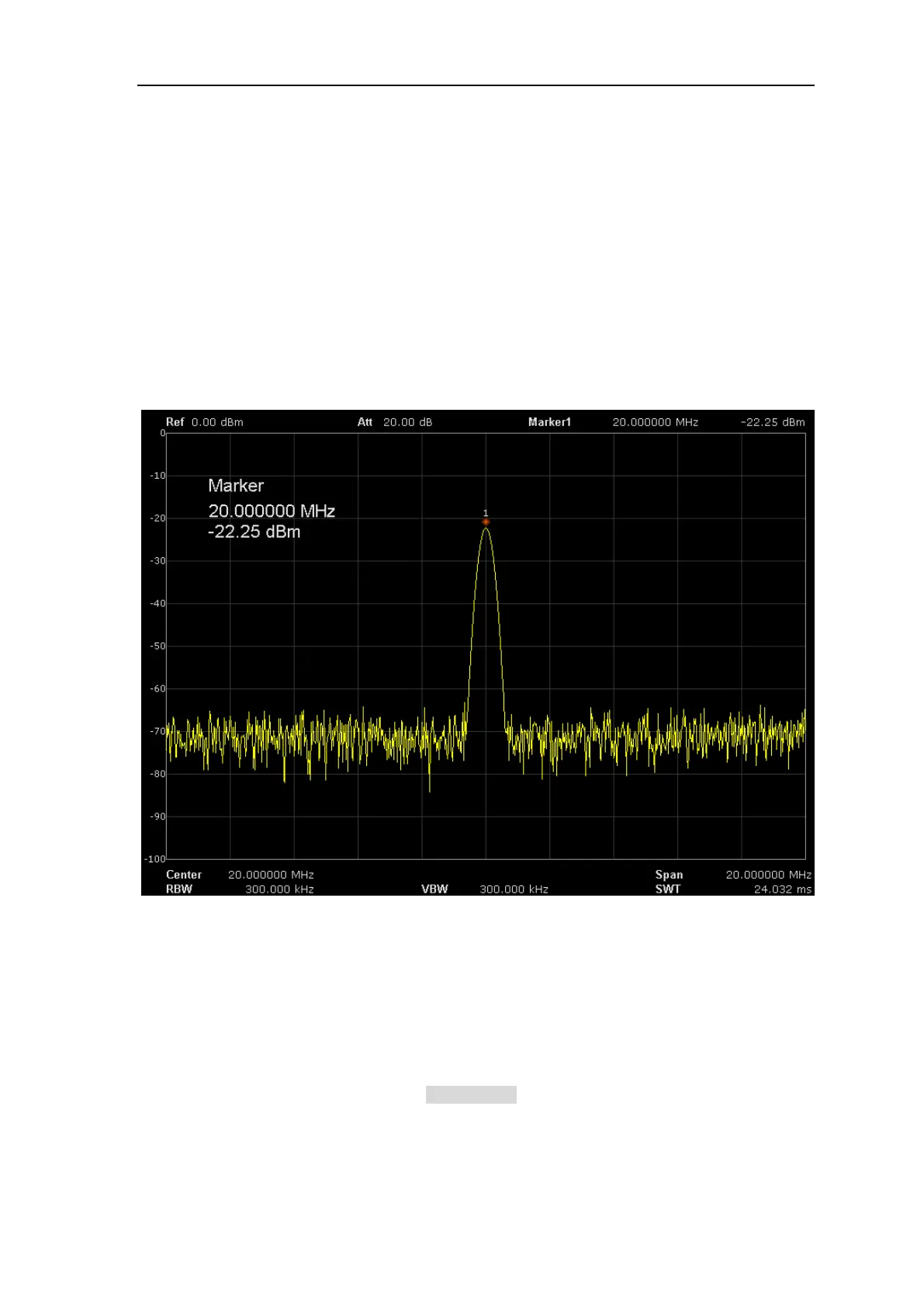
The marker appears as a rhombic sign (as shown below) for identifying the point on the trace. You
can easily read the amplitude, frequency and sweep time of the marked point on the trace.
The analyzer allows for up to four pairs of markers to be displayed at one time, but only one
pair or a single marker is active every time.
You can use the numeric keys, knob or direction keys to modify the desired frequency or time
as well as view the readouts of different points on the trace.
Figure 2- 6 Marker
2.3.1.1 Select Marker
Select one of the four markers and the default is Marker1. When a marker is selected, you can set
its type, trace to be marked, readout type and other related parameters. The enabled marker will
appear on the trace selected through the Select Trace option and the readouts of this marker are
also displayed in the active function area and at the upper right corner of the screen.



 To Next Page