38
You can turn the Horizontal Position and SEC/DIV controls to enlarge or minish
waveforms in the Window Zone.
If you want to see a section of the waveform in detail, follow these steps:
4K/18K/24Kpts memory depth Series Operate steps:
1. Press the “HORI MENU” button to enter the “Horizontal menu”.
2. Press the “Win Zone” option button.
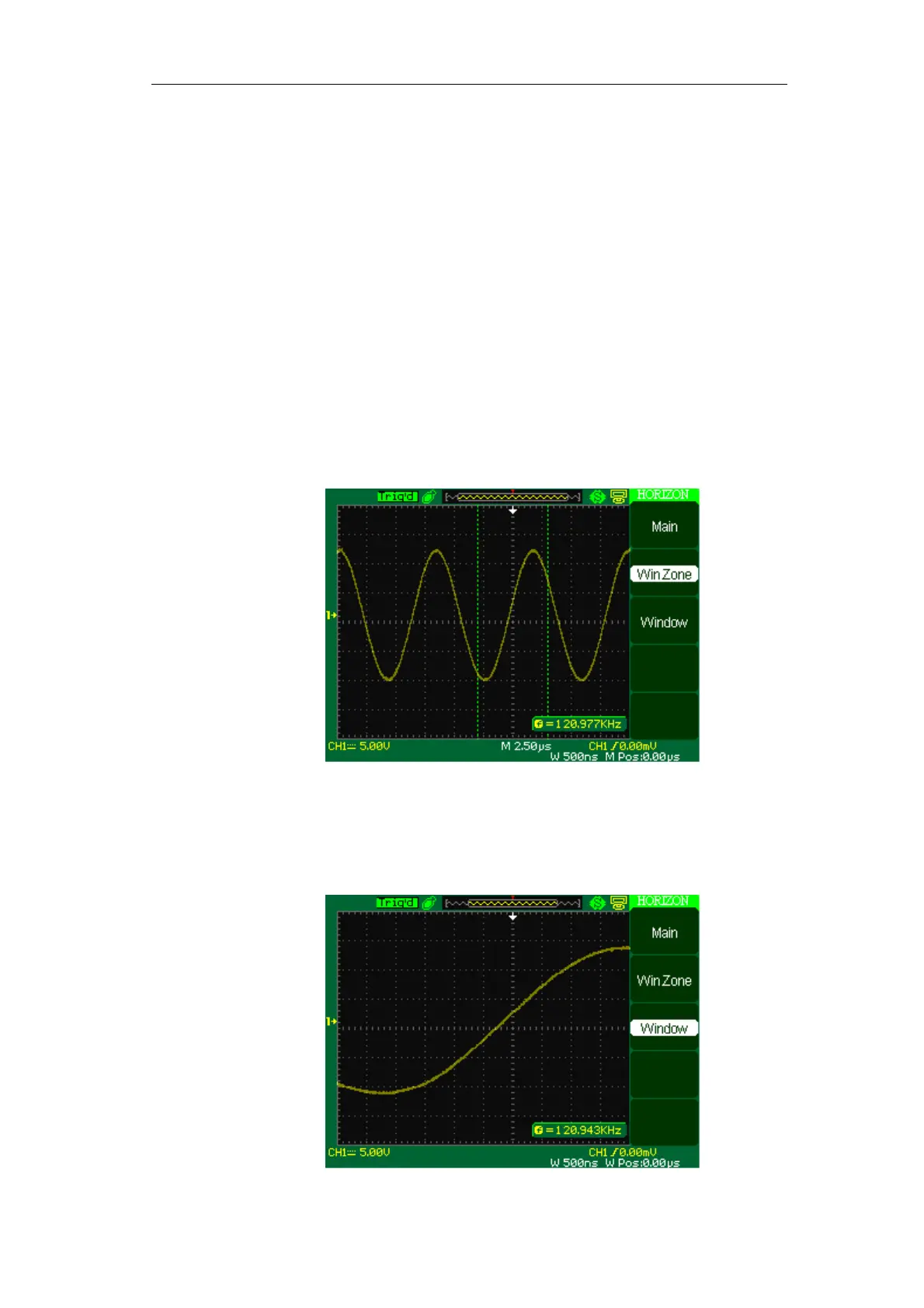
3. Turn the “S/div” knob (adjust window’s size) and turn the “Horizontal
Position” knob (adjust window’s position) to select the window that your need
(see picture 2-27). The Window time base setting cannot be set slower than
the Main time base setting.
Picture 2-27
4. Press the “Window” button. Now the window waveform has been expanded
to cover the whole screen.(See picture 2-28)









 To Next Page