67
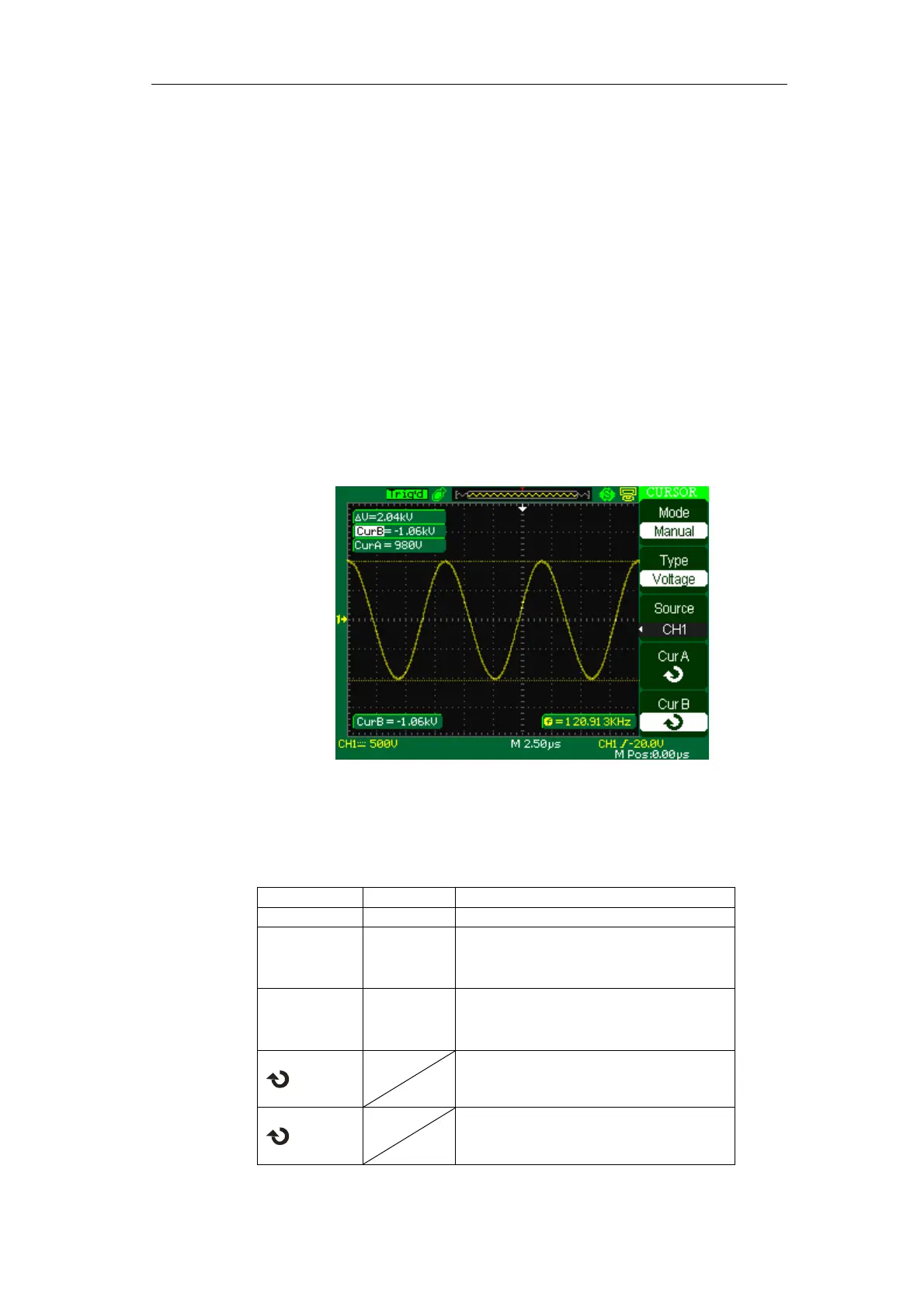
7. The measurement values are displayed on the top of the left corner:
If the measurement type is set to “Voltage”, the values are:
The value of Cur A: CurA
The value of Cur B: Cur B
The voltage increment between Cursor A and Cursor B: △V
If the measurement type is set to “Time”, the values are:
The value of Cur A: CurA
The value of Cur B: Cur B
The time increment between Cursor A and Cursor B: T△
The reciprocal of time increment between Cursor A and Cursor B: 1/ T△
Picture 2-53
Track mode
Table 2-33 Track mode function menu:
Option Setting Instruction
Cursor Mode Track In this mode, set track cursor measure.
Cursor A
CH1、CH2
CH3、CH4
NONE
Set the input signal channel that the
Cursor A will measure.
Cursor B
CH1、CH2
CH3、CH4
NONE
Set the input signal channel that the
Cursor B will measure.
Cur A
Select this option, turn the “Universal”
knob to adjust horizontal coordinate of
Cursor A.
Cur B
Select this option, turn the “Universal”
knob to adjust horizontal coordinate of
Cursor B.









 To Next Page