14-6
WA I T A MOME N T
5 Close the top cover, fixation door and manual paper feed
holder.
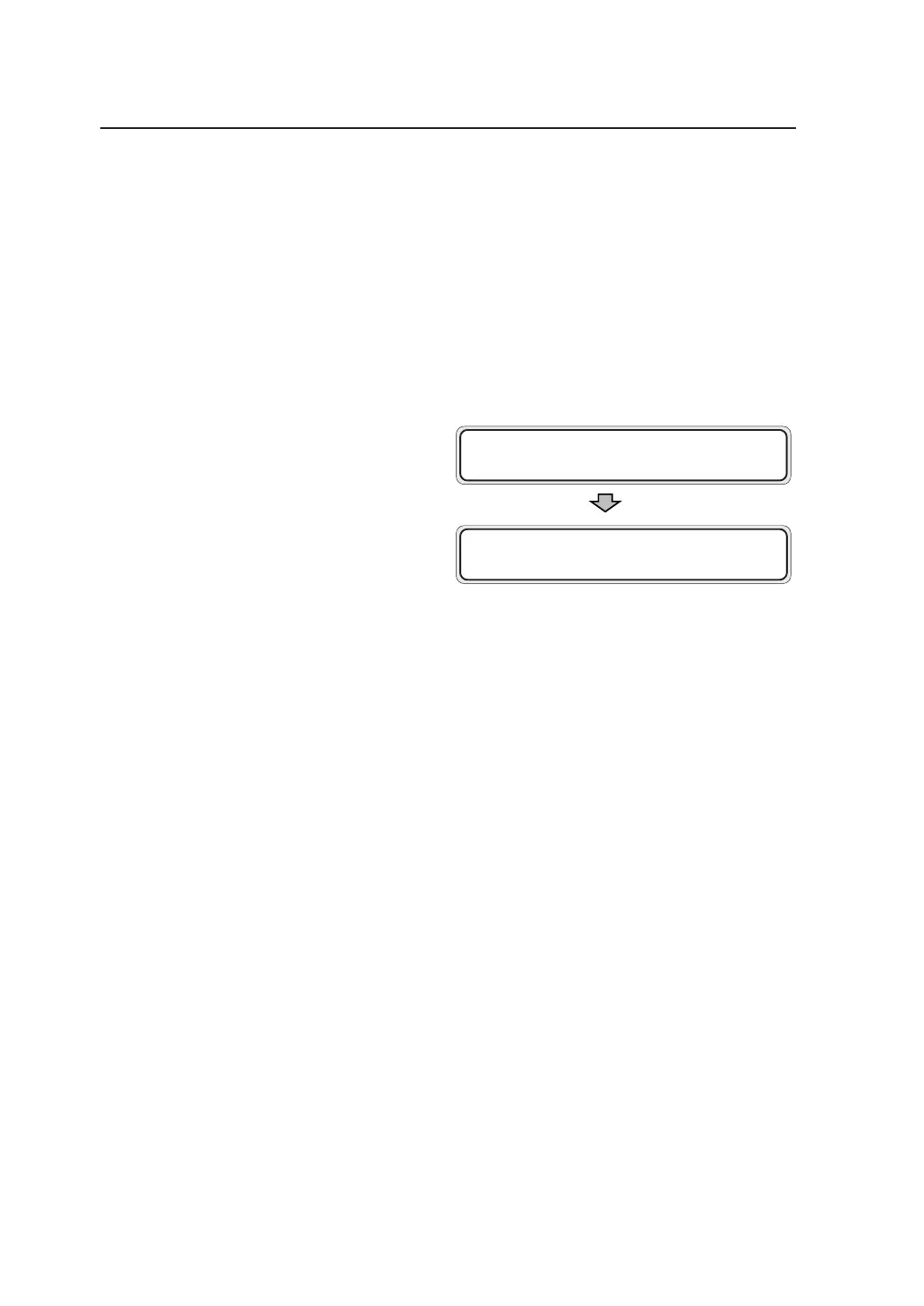
After you closed the top cover, fixation door
and manual paper feed holder, the following
message appears on the LCD, and then the
plotting restarts from the drawing that jammed.
PR I NT XX / XX✽ S001
F01 XXXX J 0 09



 To Next Page