14-11
▼When an error message appears
Chapter 14 Troubleshooting
■Clearing paper jam in roll 1 or 2 paper roll drawer (if so equipped)
* X denotes the door number 1 or 2.
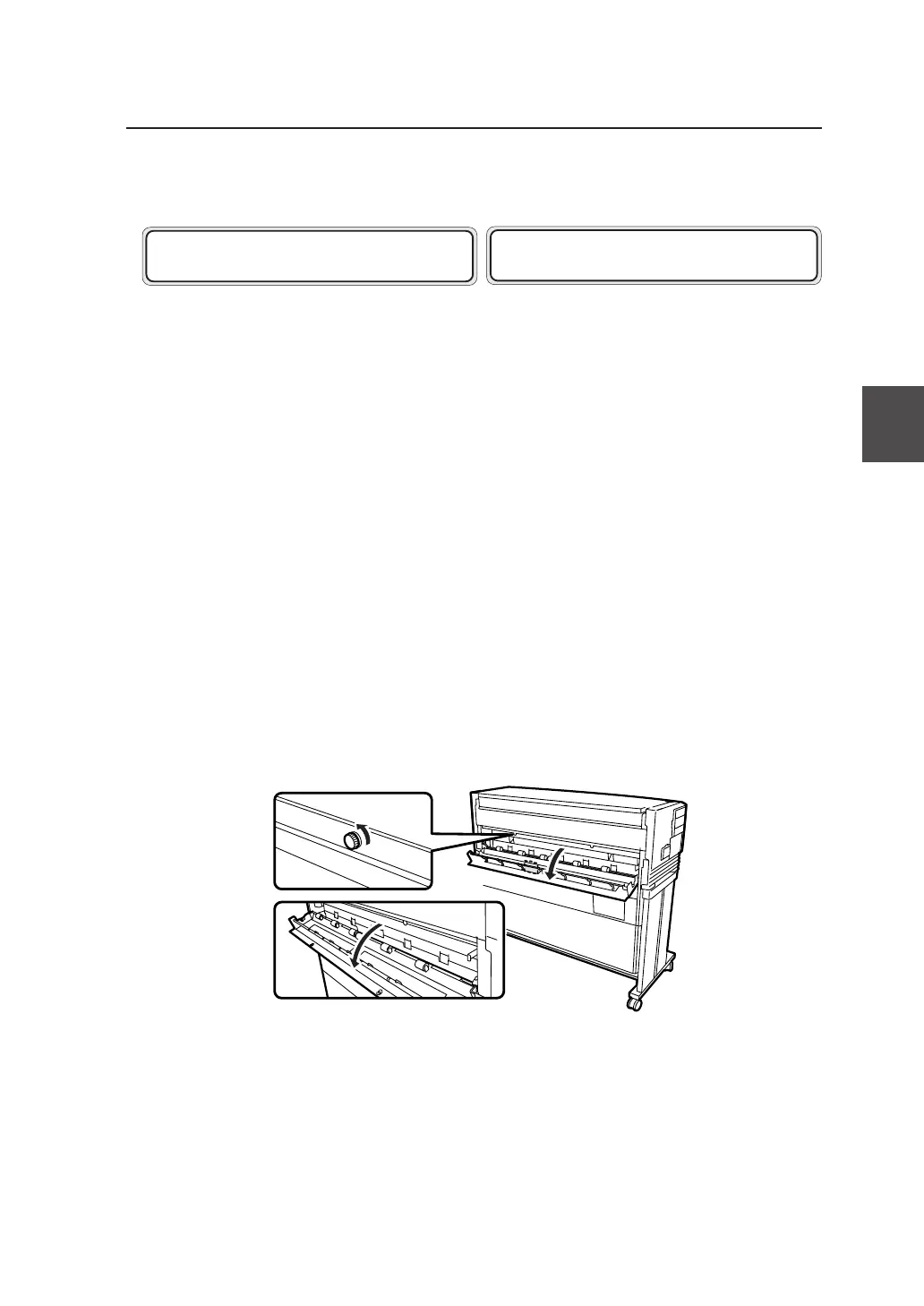
1 (When DOOR 5 is displayed) Open the cutter door (⇒Step 1
on page 14-7).
Loosen the two knobs and open the cutter door
gently.
2 Pull out the Roll 1 or Roll 2 drawer.
Use your fingers to grasp the handle at the
center of the drawer and pull the drawer out
gently.
(The illustration indicates a case where the Roll
2 drawer is opened.)
OPEN DOOR X
REMOVE PAPER
OPEN DOOR 5 , X
REMOVE PAPER


 To Next Page