14-13
▼When an error message appears
Chapter 14 Troubleshooting
WA I T A MOMEN T
5 Close the roll paper drawer and the cutter door.
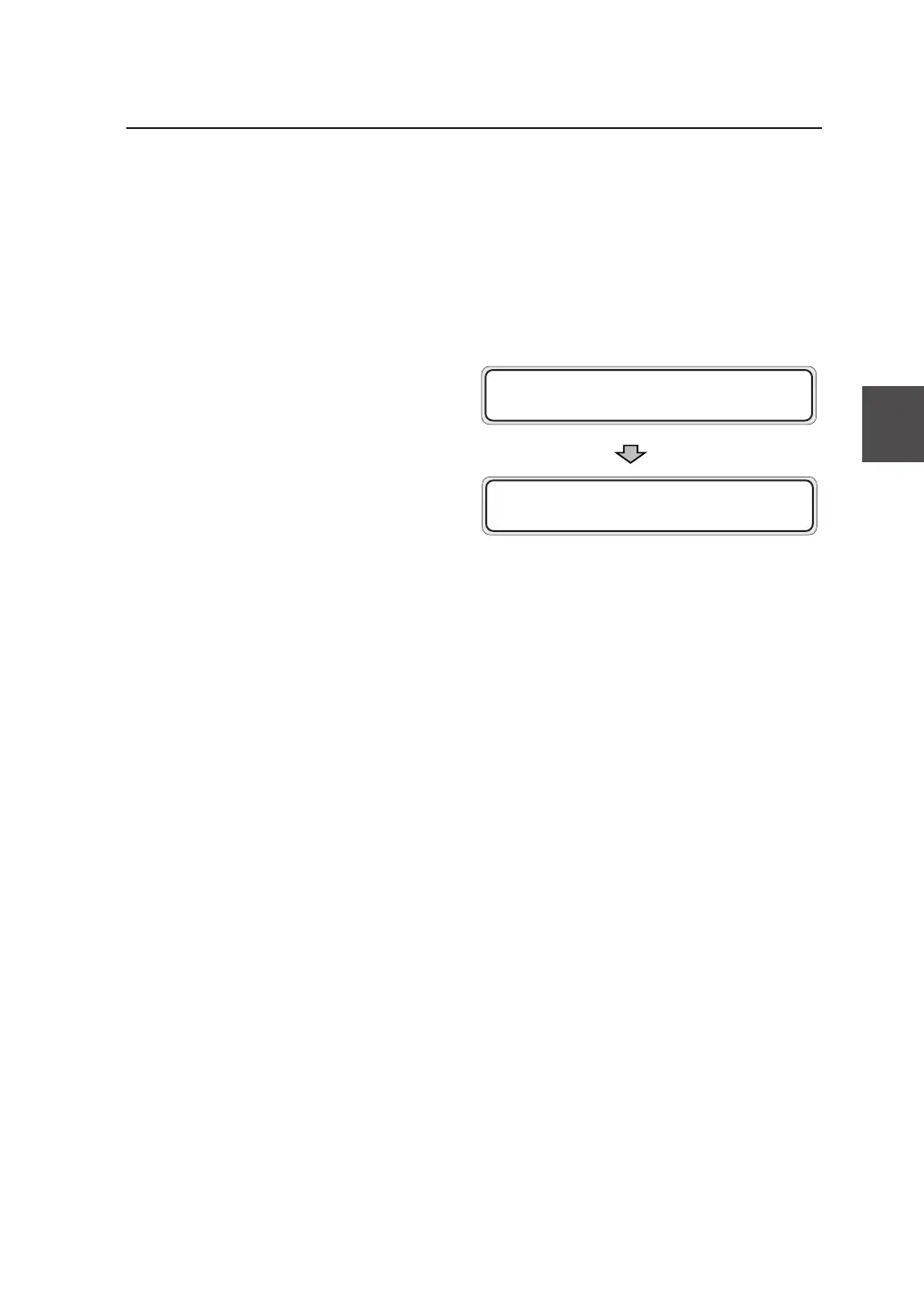
After you close the drawer and the door, the
following message appears on the LCD, and
then the plotting restarts from the drawing that
jammed.
PR I NT XX / XX✽ S001
F01 XXXX J 0 09



 To Next Page