2-8
Proceed to the next page
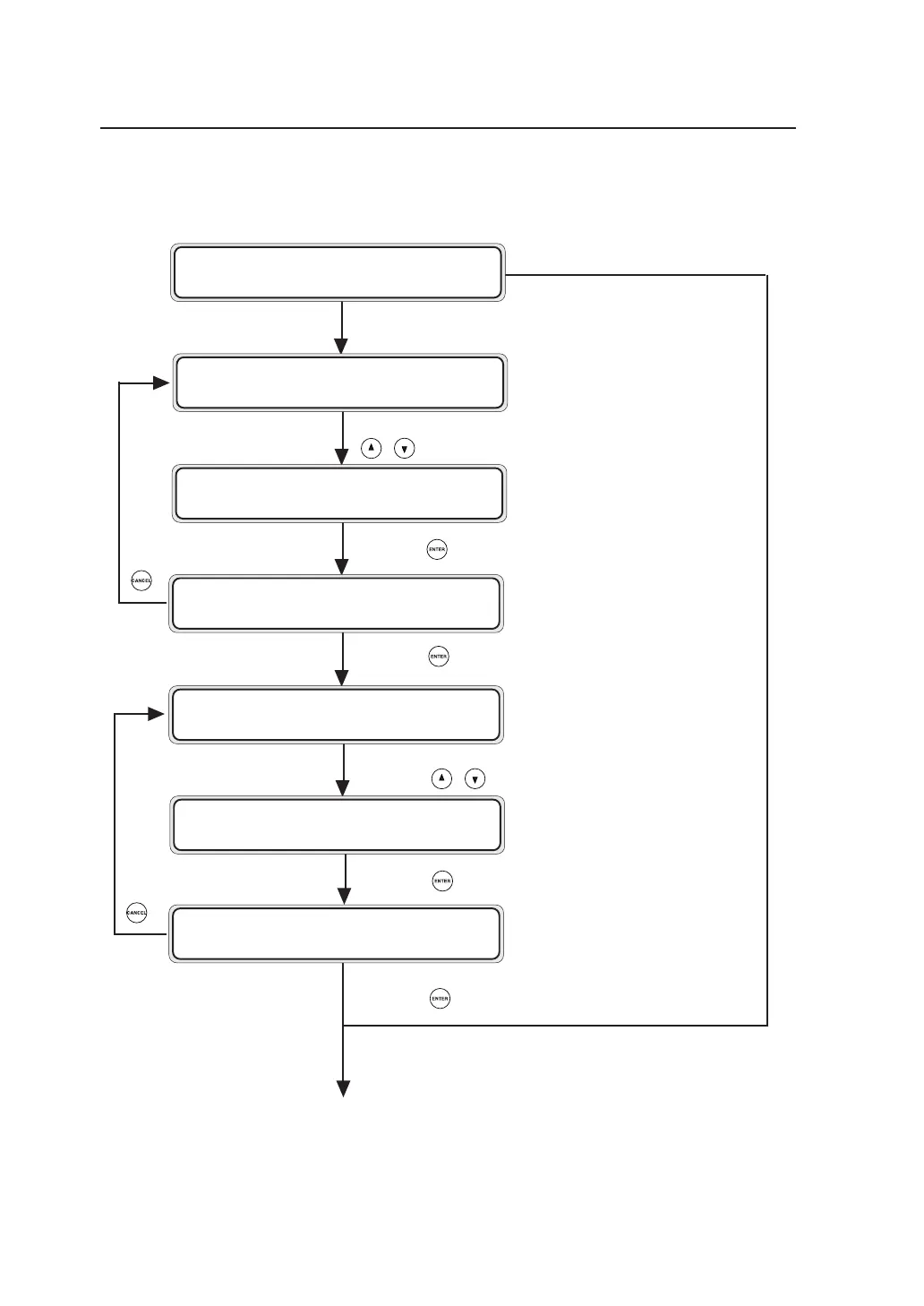
Select the language to be displayed on the panel using the
, keys.
When a language has already been selected.
■Turning on the power
Press the key to go to the confirmation screen.
Press the key to choose this setting.
Select the optimal setup parameters according to your region
using the , keys.
Press the key to go to the confirmation screen.
Press the key to determine this setting.
INITIALIZING
WA I T A MOME N T
LANGUAGE?
✽ ENGL I SH
LANGUAGE?
✽ ENGL I SH
LANGUAGE?
✽ ENGL I SH OK?
INITIAL SET
✽ STANDARD
INITIAL SET
✽ CH I NA
INITIAL SET
✽ CH I NA OK ?



 To Next Page