2-30
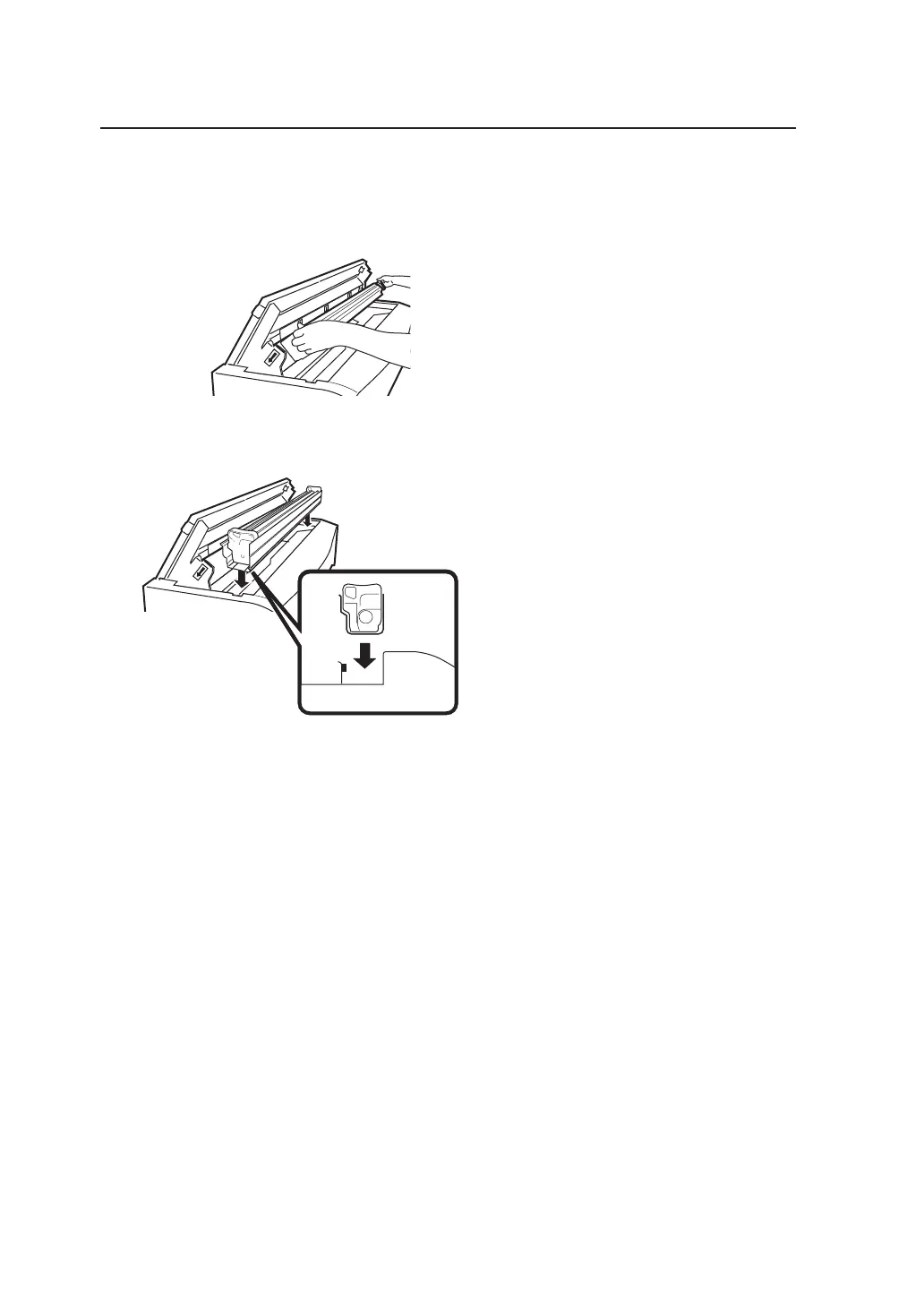
2 Take out the Process cartridge.
Pull the Process cartridge out by holding onto
its handles.
3 Place a new Process cartridge on the top of the device.
1 Remove the Process cartridge from the box
together with its protective case.
2 Place the Process cartridge on the top of the
device together with the protective case.
Two types of filters for replacement use are
contained in the process cartridge packaging
box. Replace the filter after replacing the
process cartridge.



 To Next Page