2-31
Chapter 2 Basic operations
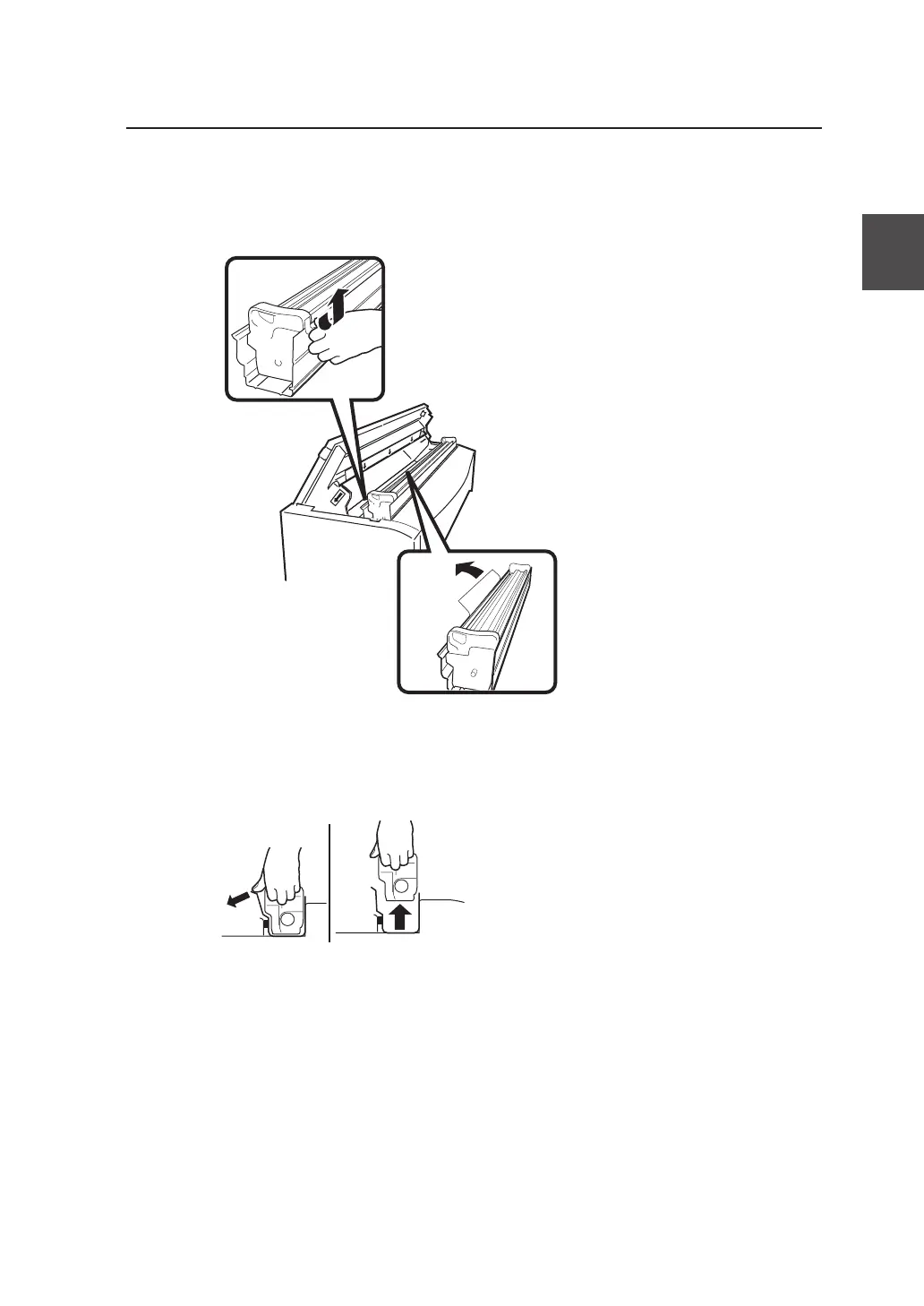
4 Remove the orange tape.
Remove the orange tape affixed to the Process
cartridge (4 points).
A sheet is attached to the tape at (2 points) on
the inside. Remove the sheet together with the
tape.
5 Remove the Process cartridge from its protective case.
While holding onto the handles, open the
protective case while pushing with your thumbs
and remove the Process cartridge from the
protective case.
▼Replacing the process cartridge



 To Next Page