Driver Installation
3-1
Chapter 3
Driver Installation
3-1 Driver Installation
This section provides information on how to install the
USB over IP drivers. Windows Firewall/Internet
Connection Sharing (ICS) must be running before
installing the USB over IP drivers.
3-1.1 Windows XP (32-/64-bit)
1. Connect the USB over IP to your network.
2. At the Windows desktop insert the driver CD.
3. Autorun should start the installation, if not, click
Start, then Run. Type D:\Launch.exe then click
OK. (Change D: to match your CD-ROM drive
letter)
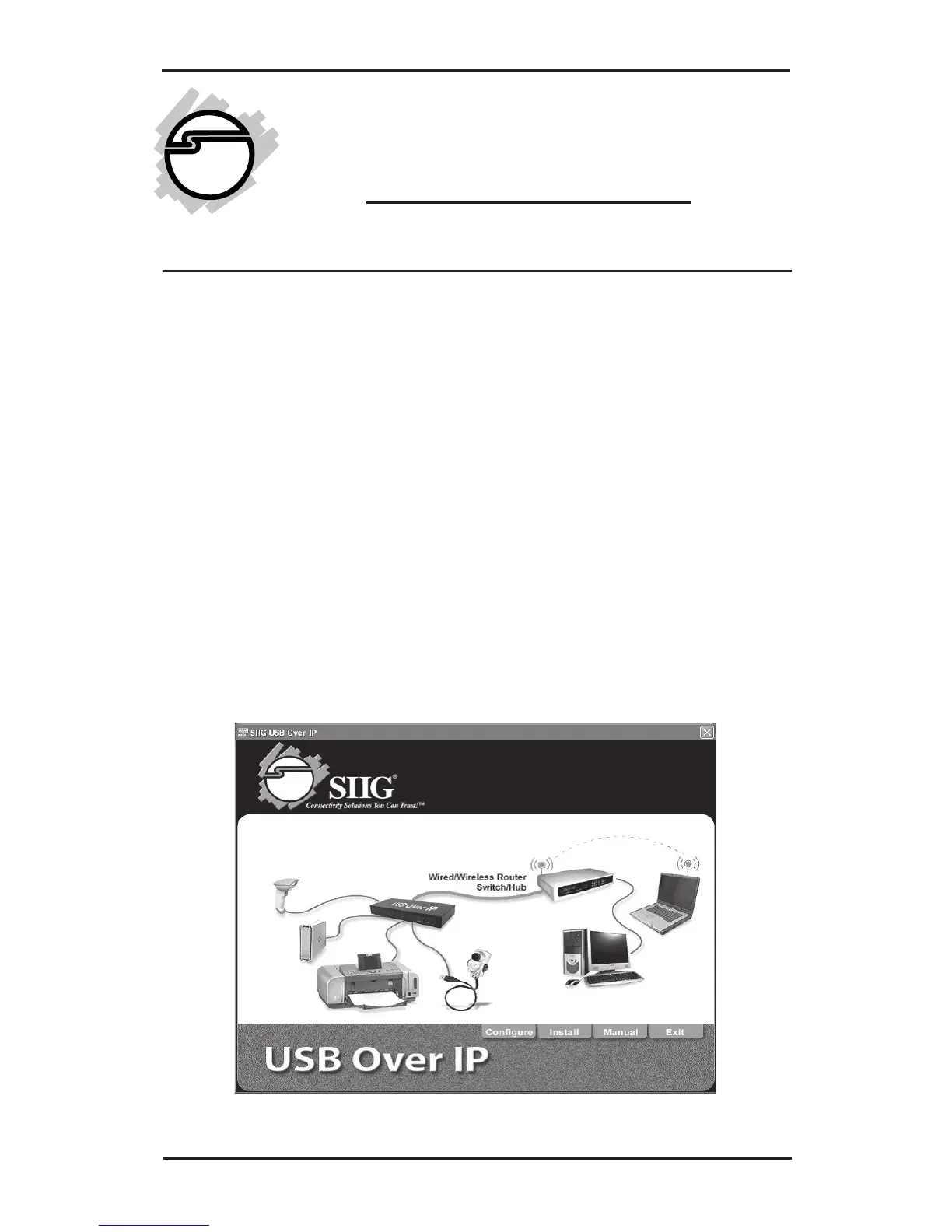
4. At the USB Over IP screen click Install.



 To Next Page