User's Manual
4-4
4-2.3.1 Server Function Buttons
• Refresh: searches for servers
• Unlock: unlocks password enabled servers
• Upgrade: upgrades server firmware
• Setup: enters Server Configuration. This button is
disabled whenever a server is password enabled
• Restore: restores the USB Over IP to factory default
IP settings of 192.168.3.22
4-2.4 Global Commands
Global commands effect every device and USB Over IP
connected to your network.
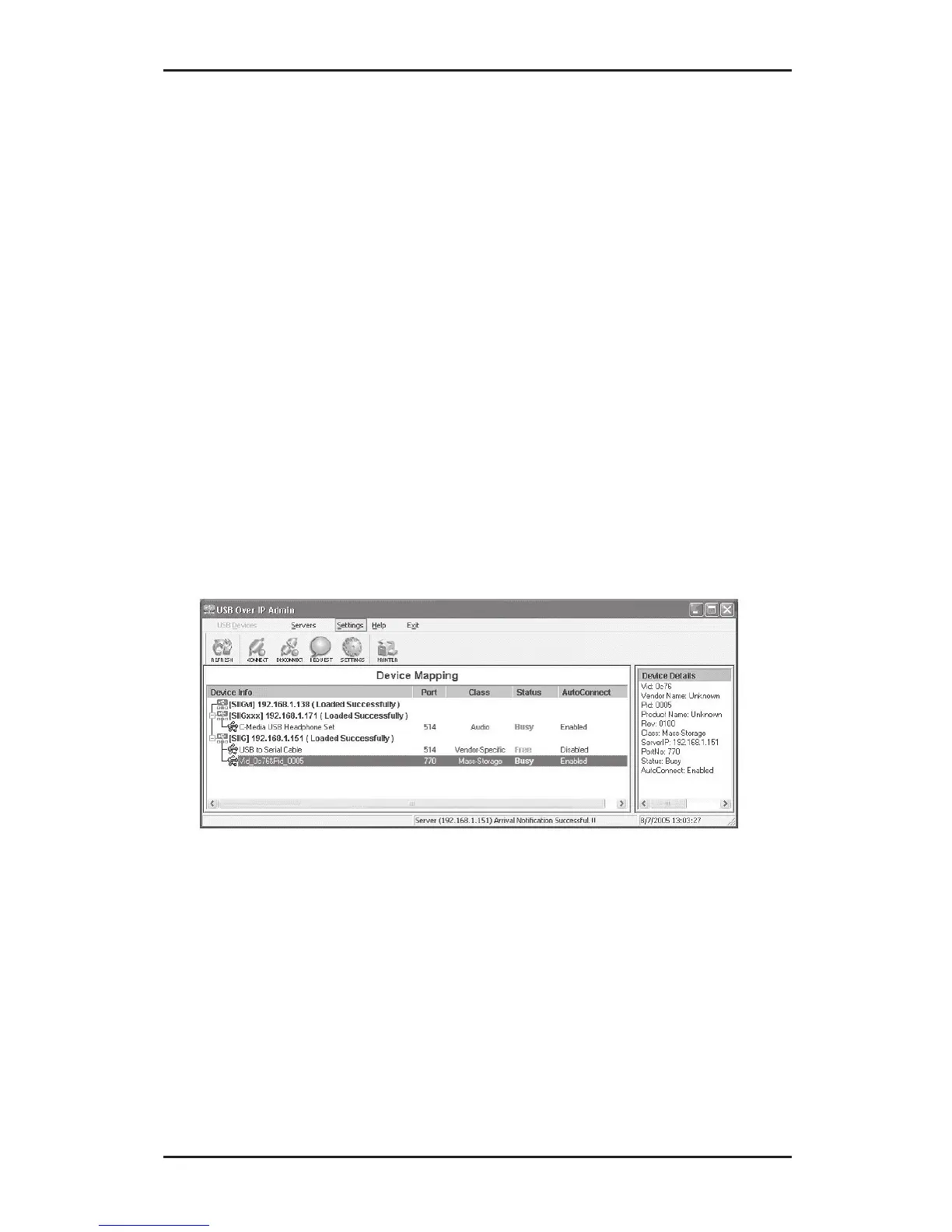
4-2.4.1 Settings
• Add to Windows Firewall: adds USB Over IP
Admin to Windows Firewall exceptions list
• Auto Connect All Devices: enables or disables
device Auto Connect feature of all connected USB
devices whenever the USB Over IP Admin starts



 To Next Page