Configuration Utility
4-5
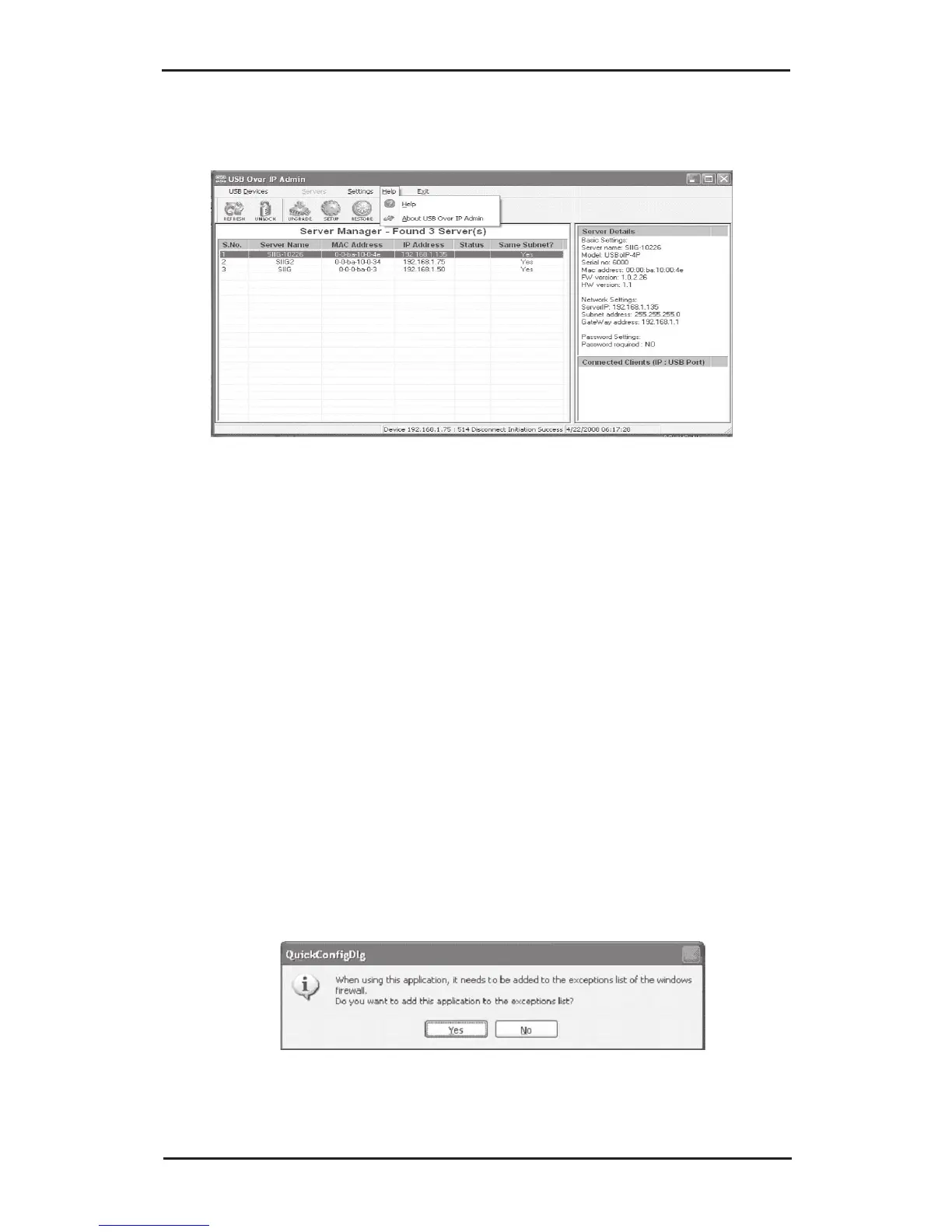
4-2.4.2 Help
• Help: opens online help document
• About USB Over IP Admin: view system
information including version number and date
4-2.4.3 Exit
Disconnects the system from all devices and USB Over
IP servers and closes the USB Over IP Admin.
4-2.5 Notes
1. In Windows XP SP1 (32-bit) without Windows
Firewall installed, everytime the USB Over IP
Admin starts up, you will need to click Yes to add
the application to Windows Firewall exceptions
list.



 To Next Page