User's Manual
4-10
4-3.1.5 Printer Sharing
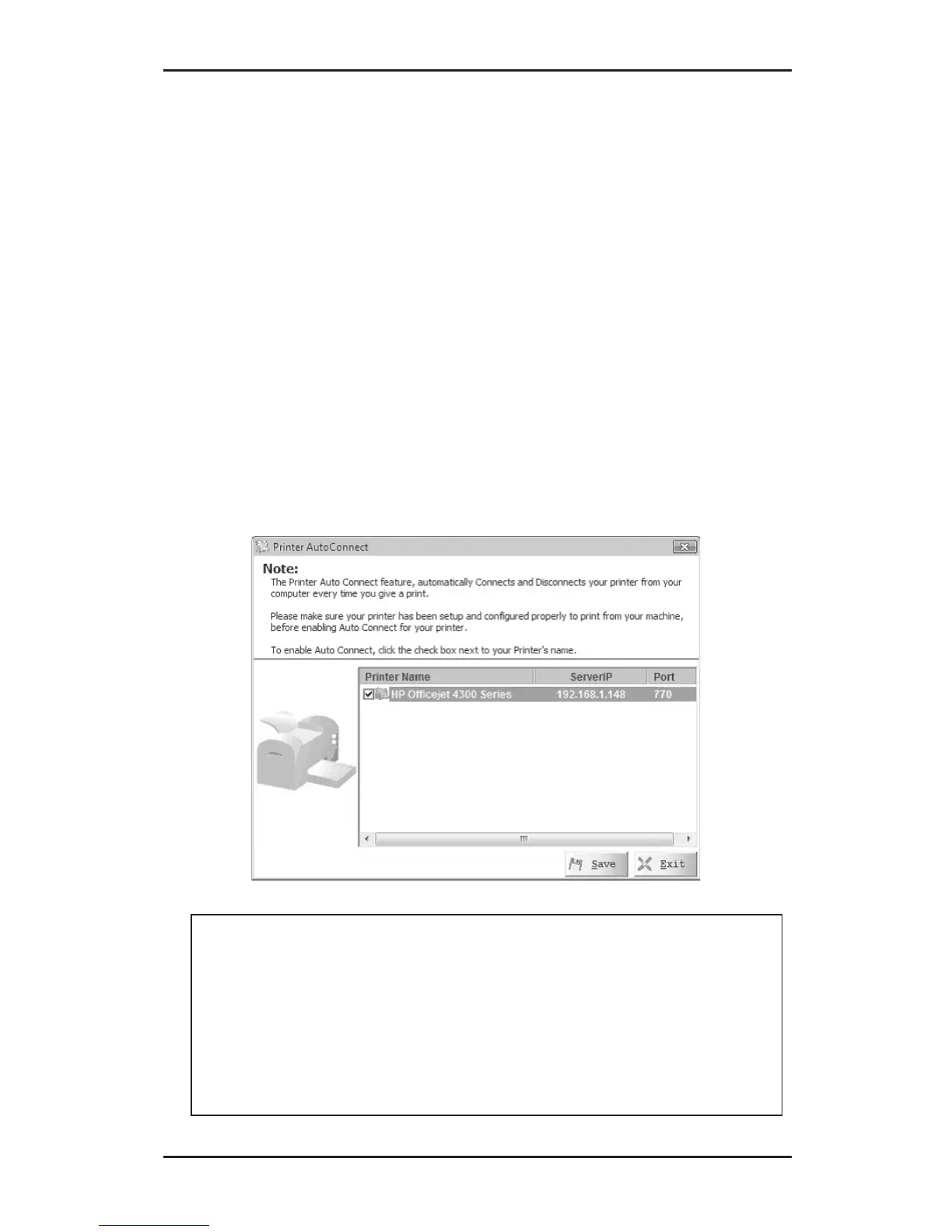
The Printer Sharing feature automatically connects and
disconnects your printer from your computer everytime
you send a print job to the printer. Make sure the printer
driver has been installed and the printer is configured to
print from your computer before enabling this feature.
Make sure you are disconnected from the printer before
continuing, see section 4-4.1.2 for instructions on how to
disconnect.
1. Click the Printer auto connect button.
2. Select the check box next to the printer's name.
3. Click Save.
Note: Only printers that have been setup and
configured properly to print from your computer
will show up on the printer list. Check Windows
Printers icon in Control Panel for proper
installation. Consult your printer's users manual
for printer setup and more information, if needed.



 To Next Page