User's Manual
3-14
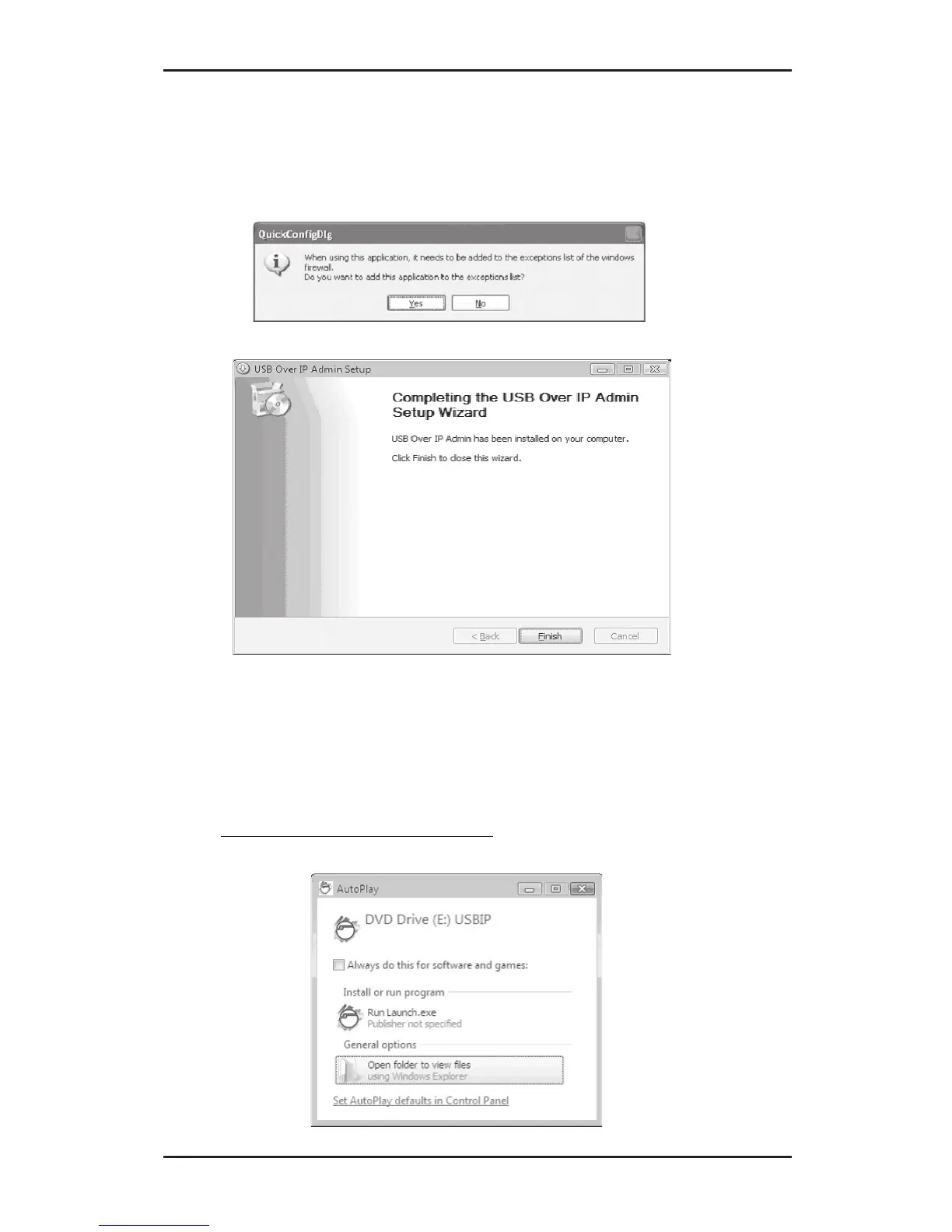
8. Click Yes to add the application to Windows
Firewall exceptions list, then click Finish. Click
Finish.
3-1.4 Windows Vista (32-bit)
1. Connect the USB over IP to your network.
2. At the Windows desktop insert the driver CD.
At the Auto Play window: click Open folder to view
files.



 To Next Page