Driver Installation
3-15
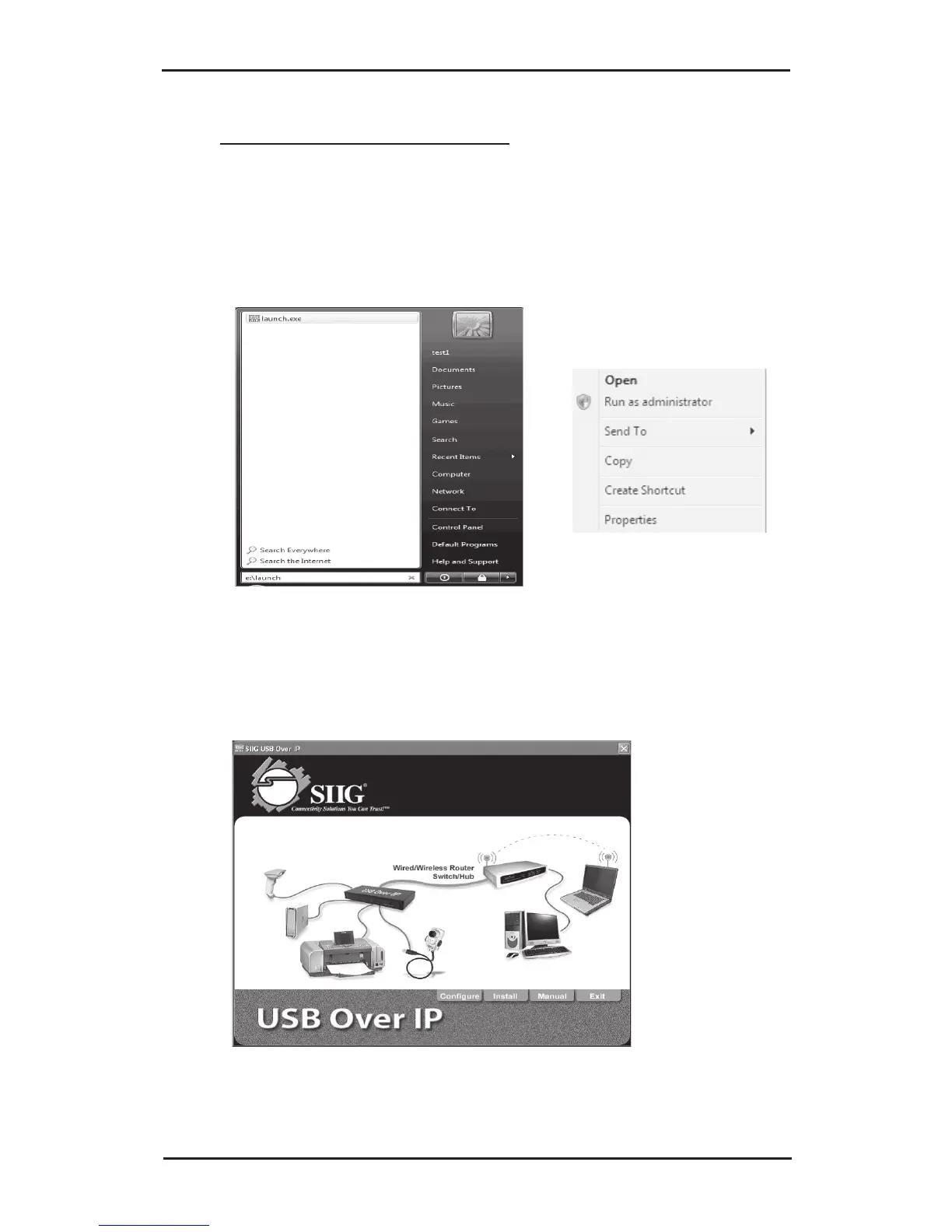
If Auto Play doesn't start: click Start, in the Start
Search box, type D:\Launch.exe. (Change D: to
match your CD-ROM drive letter)
3. Right click Launch, click Run as administrator.
Click Allow.
4. At the USB Over IP screen, click Install.



 To Next Page