Configuration Utility
4-9
4-3.1.4 USB Device - Disable Auto Connect
Auto Connect is enable, by default, whenever the USB
Over IP is started. However, it can be disabled on a
device by device basis. If you choose to do so, follow the
directions below.
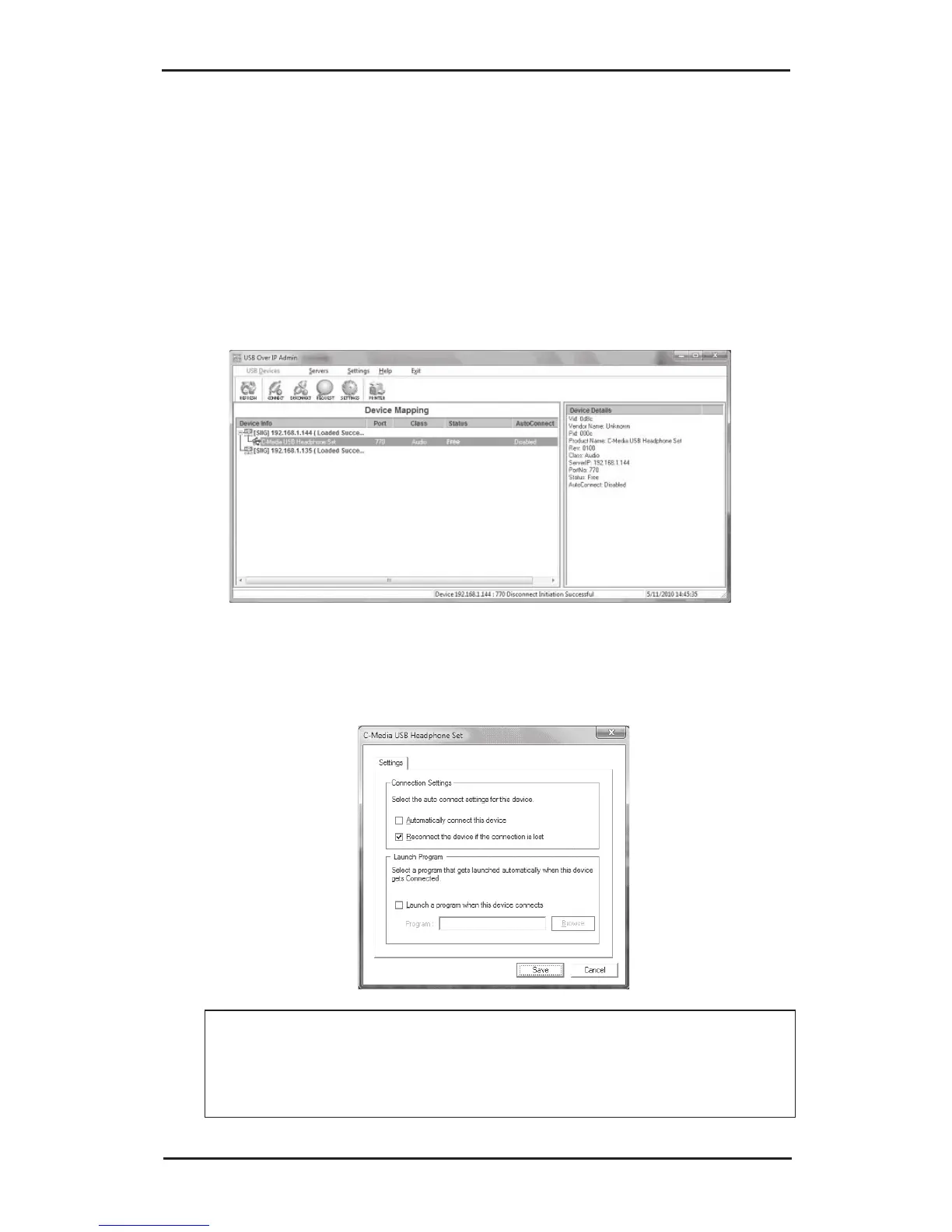
1. Right click on a USB device connected to your
system or with status as Free, then click Settings.
2. In the Settings box, uncheck Automatically connect
this device*.
*Note: If grayed out, see Auto Connect All Devices
in section 4-2.4.1 Settings on page 4-4 for more
information.



 To Next Page