User's Manual
4-6
4-3 How To's
4-3.1 Device Mapping
4-3.1.1 How to Connect - Status Free
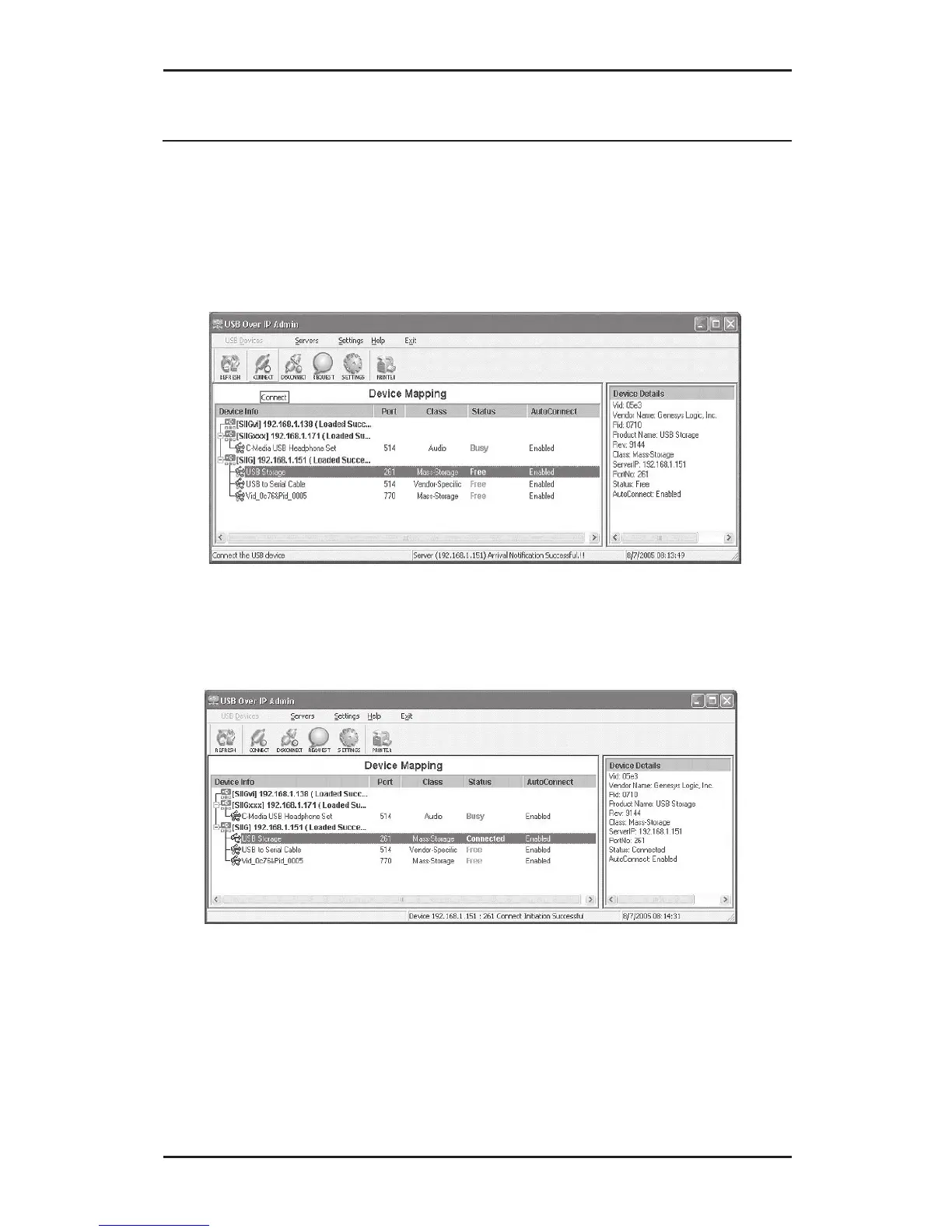
1. In the Device Mapping window, select a device
who's status is Free, then click the Connect button.
2. The Status will change to Connected.
3. Depending on the device, Windows will either
automatically install a driver for it or prompt you
for a driver. Read the device's user's manual for
driver installation instructions, if needed.



 To Next Page