Configuration Utility
4-11
4-3.2 Server Manager
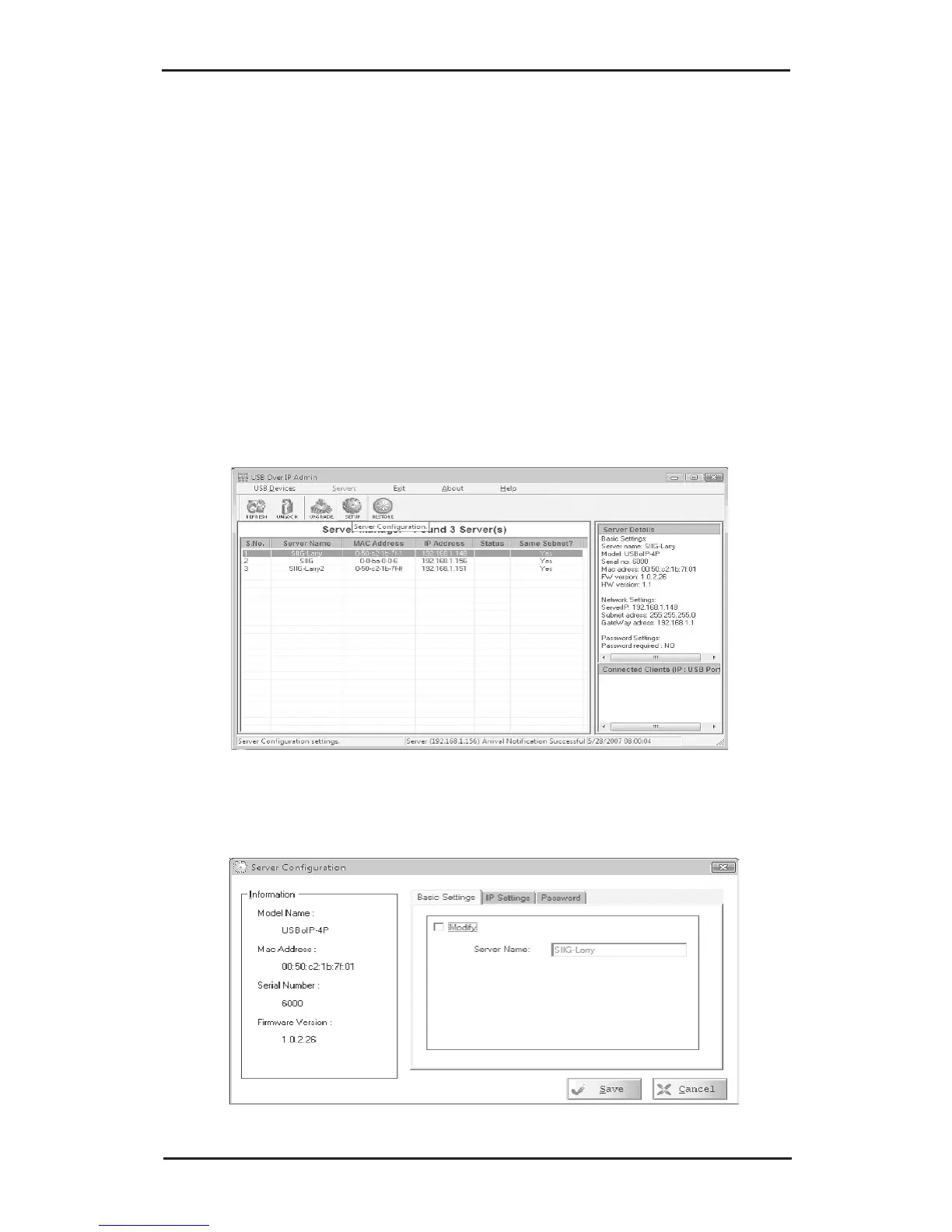
4-3.2.1 Setup (Server Configuration)
Use the Setup button to change server name, modify IP
settings and enable or disable password. If the server is
password protected the setup button will be disabled.
To enable the Setup button, go to section 4-4.2.2 Unlock
Server and Reset Password.
1. In Server Manager, click the server that you want to
configure.
2. Click the Setup button.
3. Select Basic Settings tab, modify the server name.



 To Next Page