User's Manual
4-12
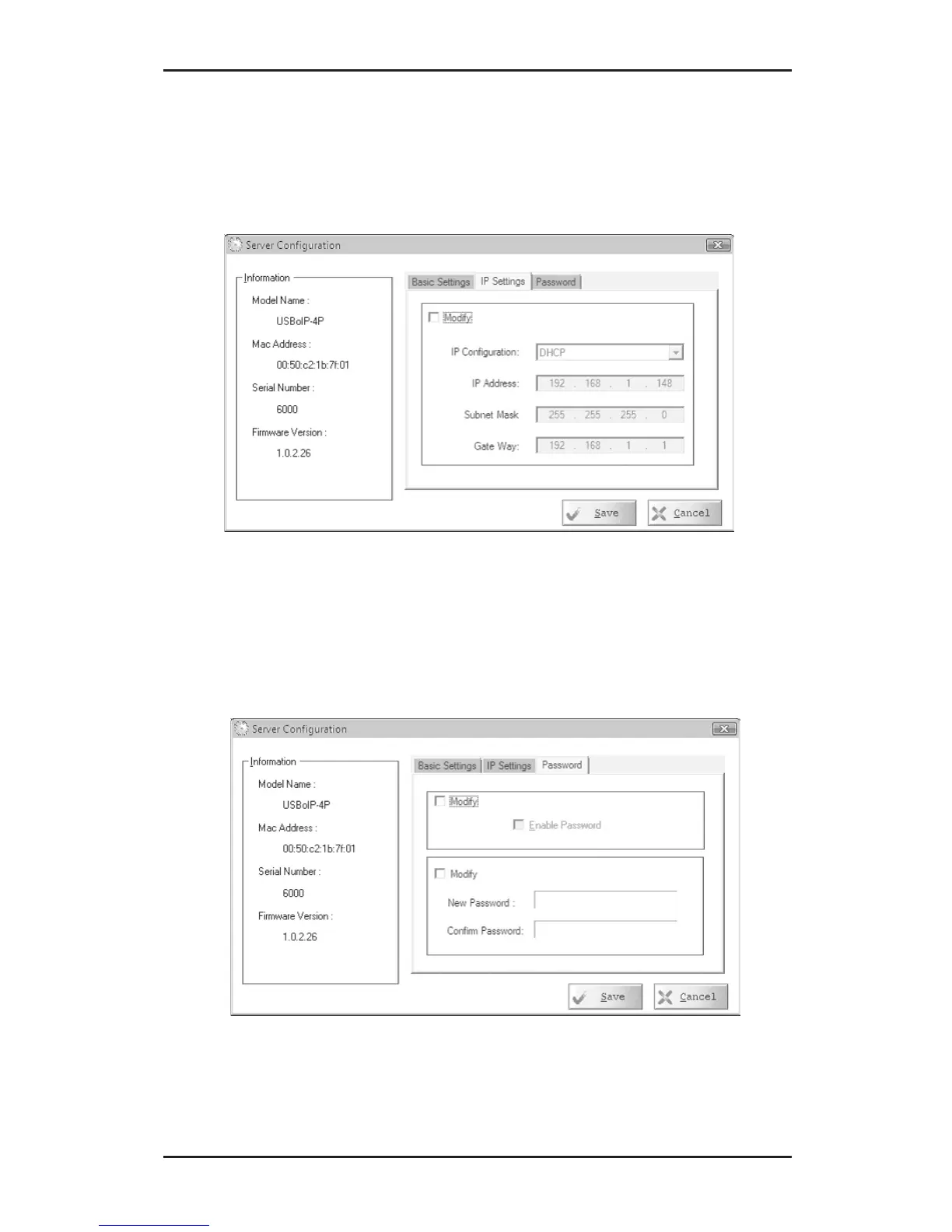
4. Select IP Settings tab. Check Modify, then either
select Static and type in your IP address and
gateway or, to have your server configured
automatically, select DHCP.
5. Select Password tab. Check Modify, then enable,
disable or change your password.
6. Click Save to save your changes and exit.



 To Next Page