Configuration Utility
4-19
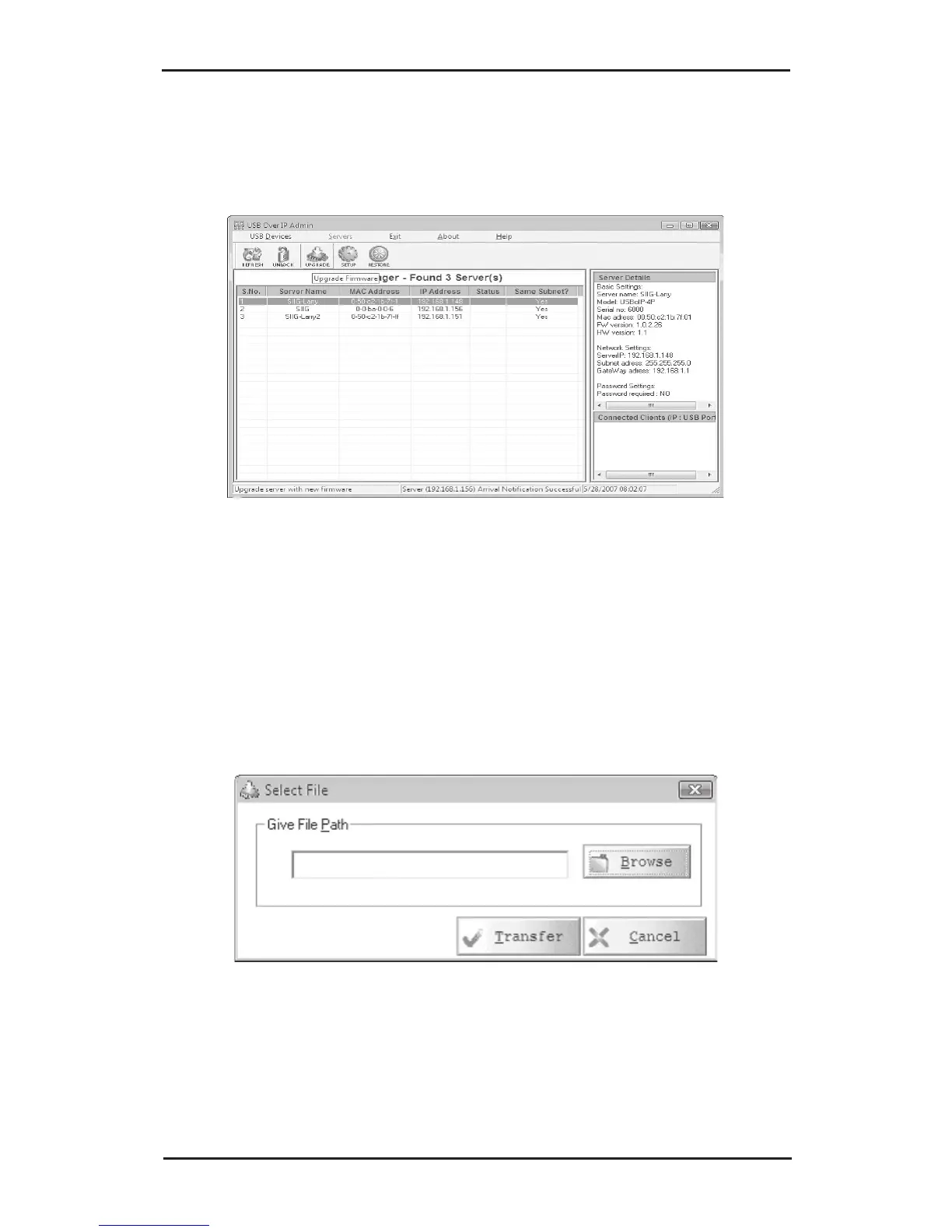
4-3.2.5 Upgrade (Upgrade Firmware)
1. Select a server, click the Upgrade button.
2. In Select File box, browse to or type in the location
of the file, then click Transfer. Do not unplug the
power adapter from the USB Over IP during the
update process.



 To Next Page