User's Manual
4-20
4-3.2.6 Configure IP Address: Server Not On the Same
Subnet
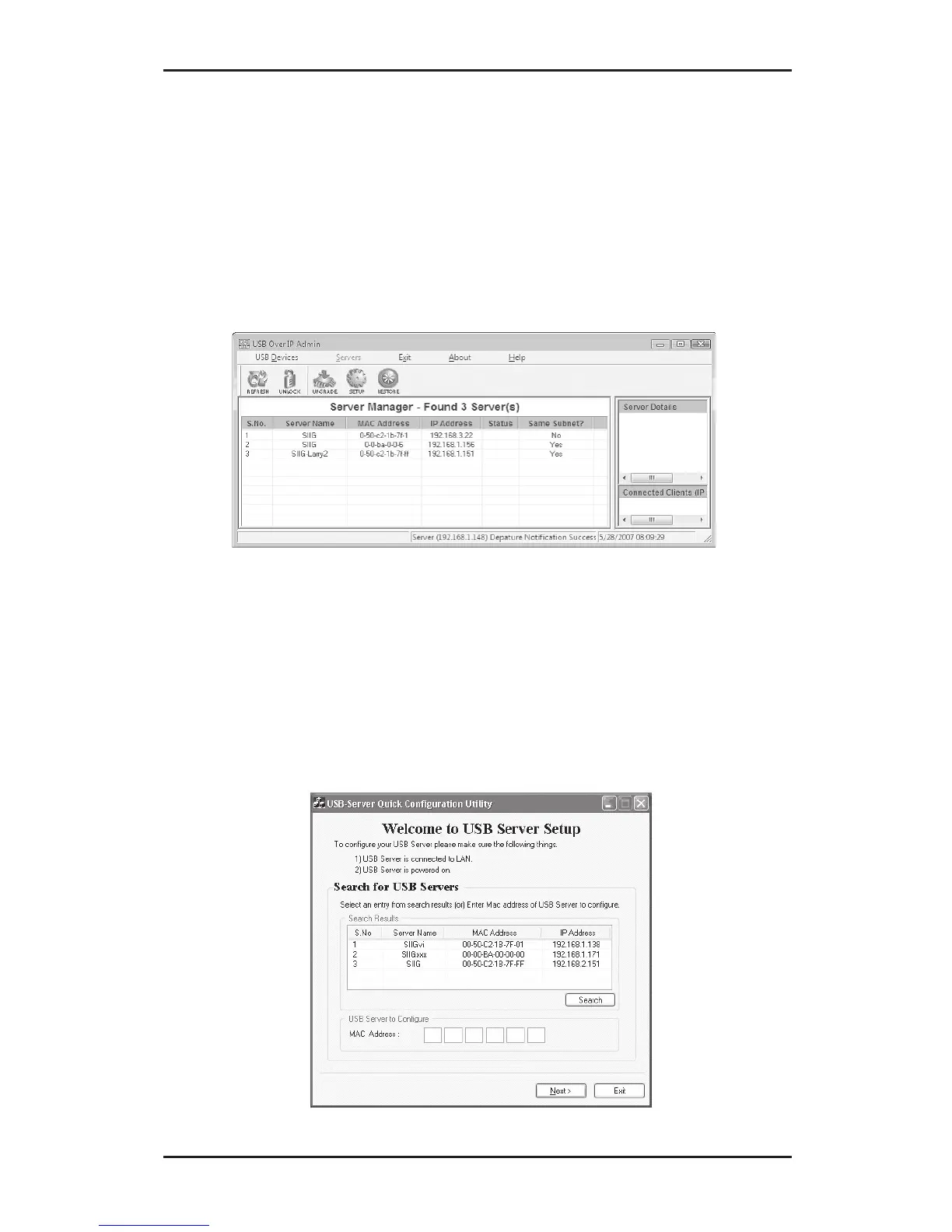
1. At the Server Manger screen, select the server that
is not on the same subnet, then double click it. Click
Yes to add this application to Windows firewall
exceptions list.
2. At Welcome to USB Server Setup, type in the Mac
address of the server that's not on the same subnet,
then click Next. If the server is not on the list go
directly to section 4-4.2.7. Otherwise continue to
step 3.



 To Next Page