Configuration Utility
4-3
4-2.2.1 USB Device Function Buttons
• Refresh: refreshes USB device list
• Connect: connects to a free USB device
• Disconnect: disconnects from a connected USB
device
• Request: sends request to free a device to the
system that controls it
• Settings: opens device connection settings box
• Printer Auto Connect: automatically connects and
disconnect to your printer when a print job is sent
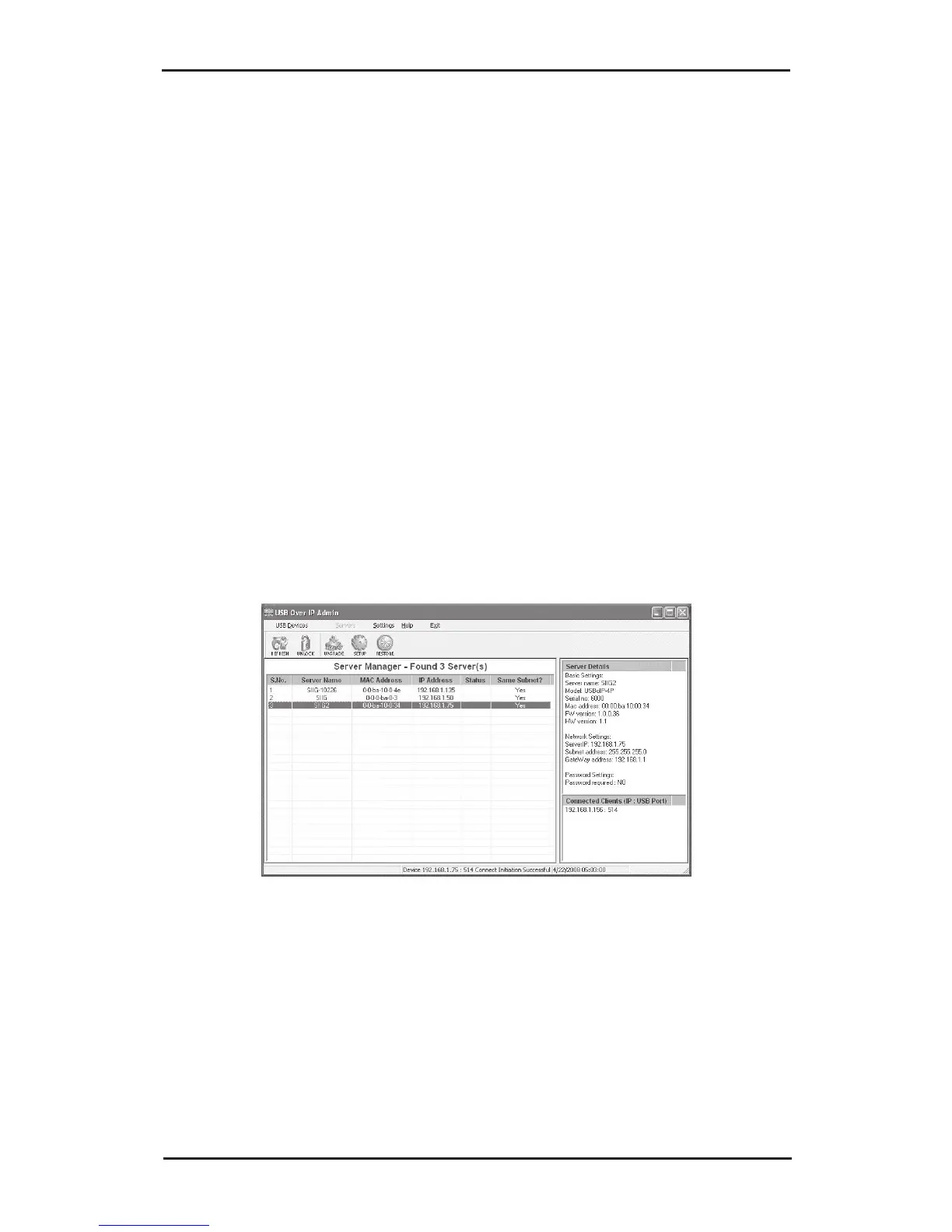
4-2.3 Servers
The Servers screen is divided into three sections, Server
Manager, Server Details and Connected Clients.
• Server Manager: displays all USB Over IP servers
connected to the network
• Server Details: displays basic USB Over IP server
information
• Connected Clients: displays the client IP address
and device's USB port of each client connected to
the server



 To Next Page