Driver Installation
3-27
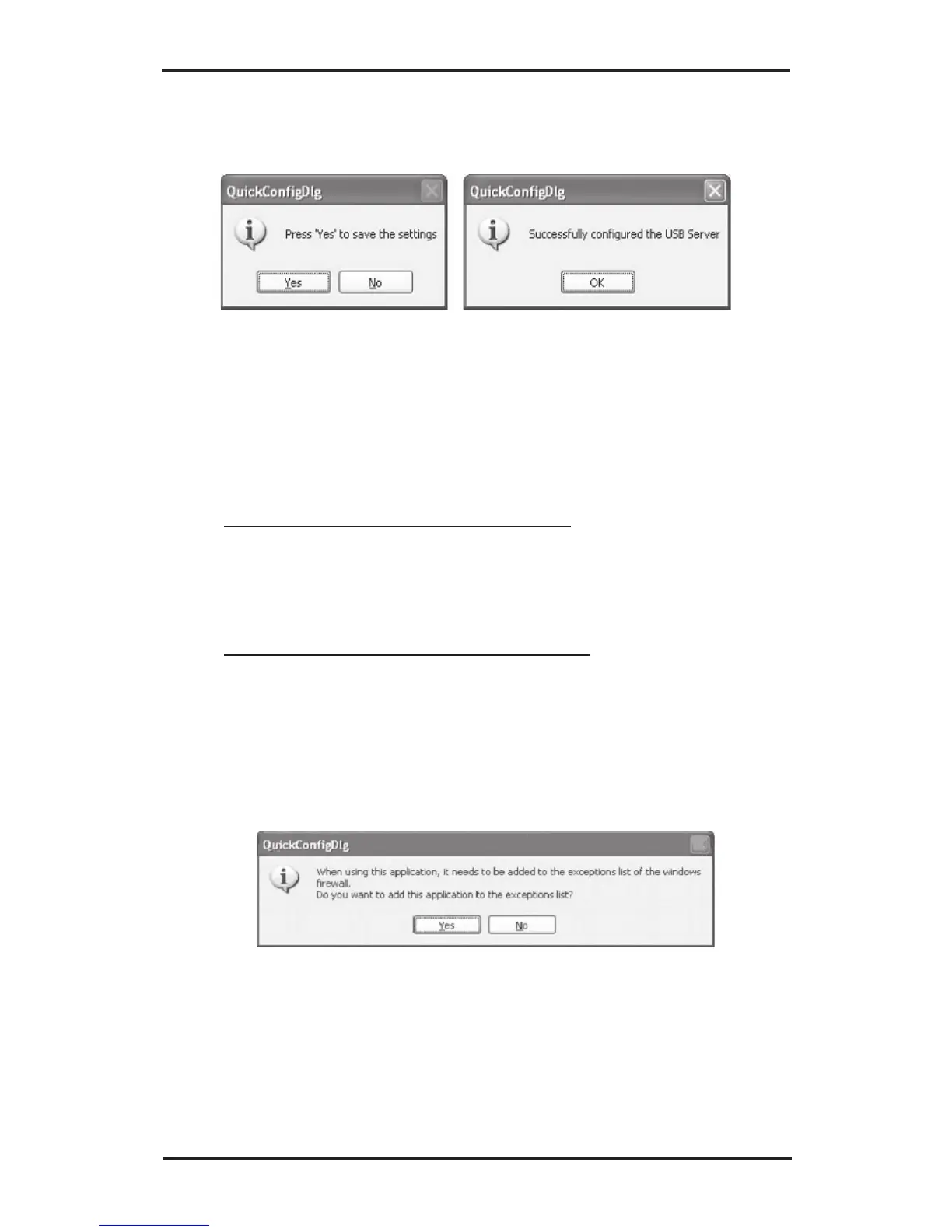
5. Click Yes to save your settings, then click OK.
3-3.2 IP Config - DiscoveryUtility
1. Insert the USB Over IP CD.
2. Click the Start button.
For Windows 7 / Vista / 2008: In the Start Search
box, type D:\IPConfig\DiscoveryUtility.exe,
press Enter. (Change D: to match your CD-ROM
drive letter)
For Windows XP / Server 2003: Click Run, type
D:\IPConfig\DiscoveryUtility.exe, then click OK.
(Change D: to match your CD-ROM drive letter)
3. Click Yes to add the application to Windows
Firewall exceptions list.


 To Next Page