User's Manual
3-28
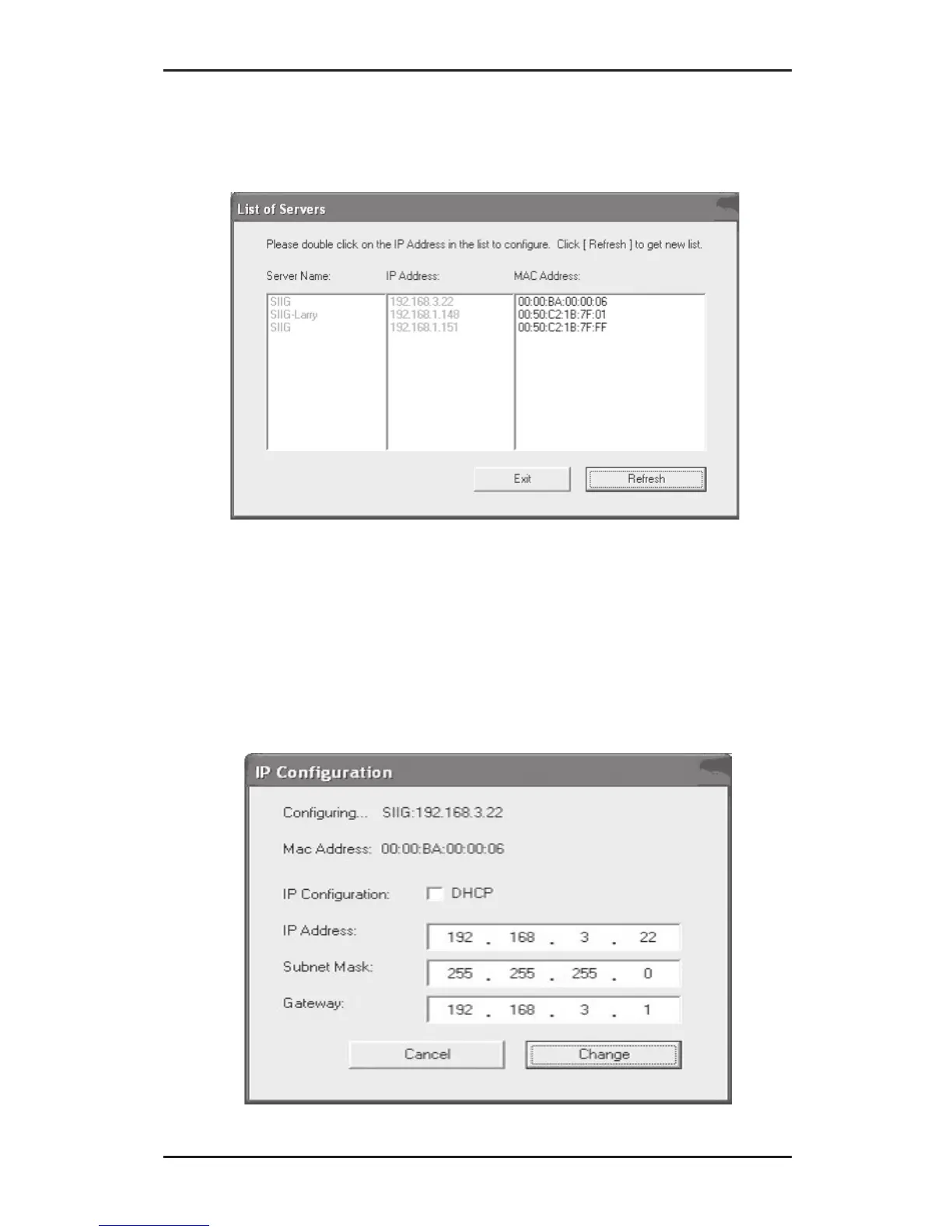
3. At List of Servers, double click the MAC address of
the USB Over IP you want to change.
4. At IP Configuration screen, either type in the IP
Address, subnet mask, and gateway or select DHCP
to have them assigned by your DHCP server, then
click Change.



 To Next Page