Driver Installation
3-11
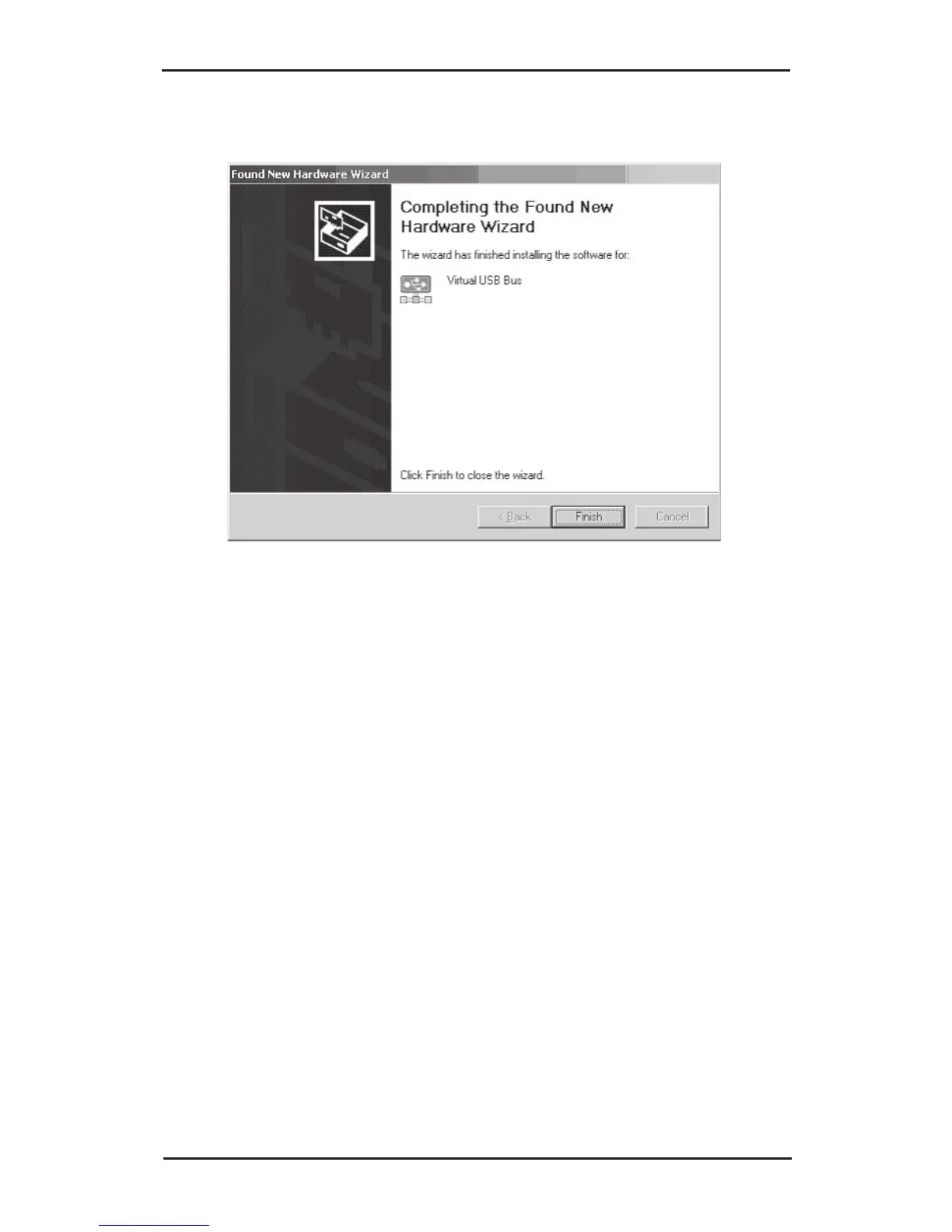
12. Click Finish.
13. Repeat steps 9-12 for each USB Over IP connected
that matches your subnet address.
3-1.3 Windows Server 2008 (32-bit)
Make sure that Windows Firewall is configured before
installing the USB over IP driver.
1. Connect the USB over IP to your network.
2. At the Windows desktop insert the driver CD.
3. Autorun should start the installation, if not, click
Start, then Run. Type D:\Launch.exe then click
OK. (Change D: to match your CD-ROM drive
letter)



 To Next Page