1-4
User's Manual
1-2.2 System Requirements
• Windows
®
7 (32-bit) / Vista (32-bit) / XP (32-/64-
bit) / Server 2003 (32-/64-bit) / Server 2008 (32-bit)
• Ethernet network with an available RJ45 port
• CD-ROM drive
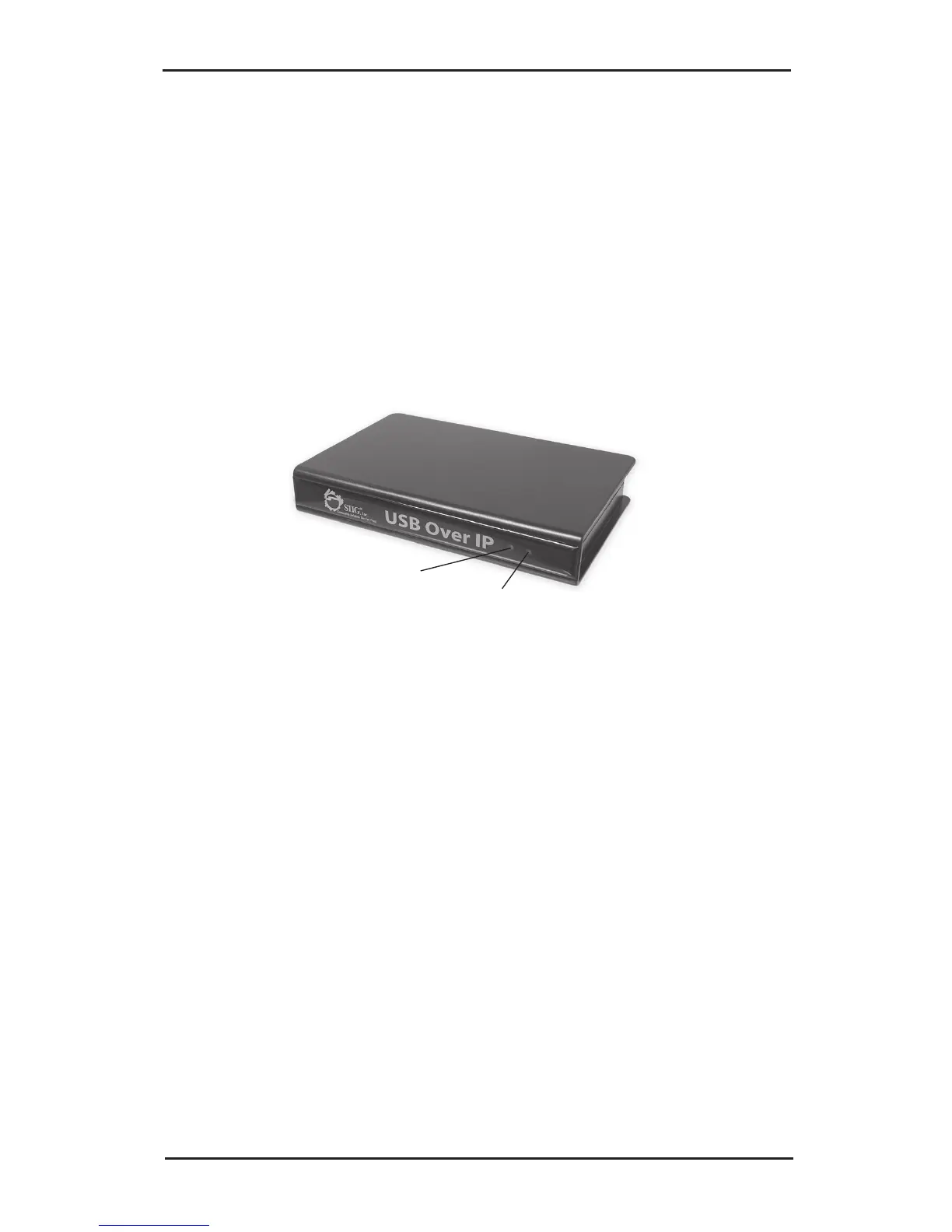
1-2.3 Layout
Power LED
Ready LED
Figure 1: Front Layout
• Power LED: USB over IP is powered on
• Ready LED: when the box is first powered on, the
USB over IP goes through it's initialization/bootup
sequence. This LED will blink for 10 seconds, then
it will go off for 10-15 seconds, when it comes back
on the USB over IP is ready for use. If the Ready
LED ever goes off, power-off then power-on the
USB over IP. It is recommended to unplug all
devices from the USB over IP during it's
initialization/bootup sequence.



 To Next Page