User's Manual
3-26
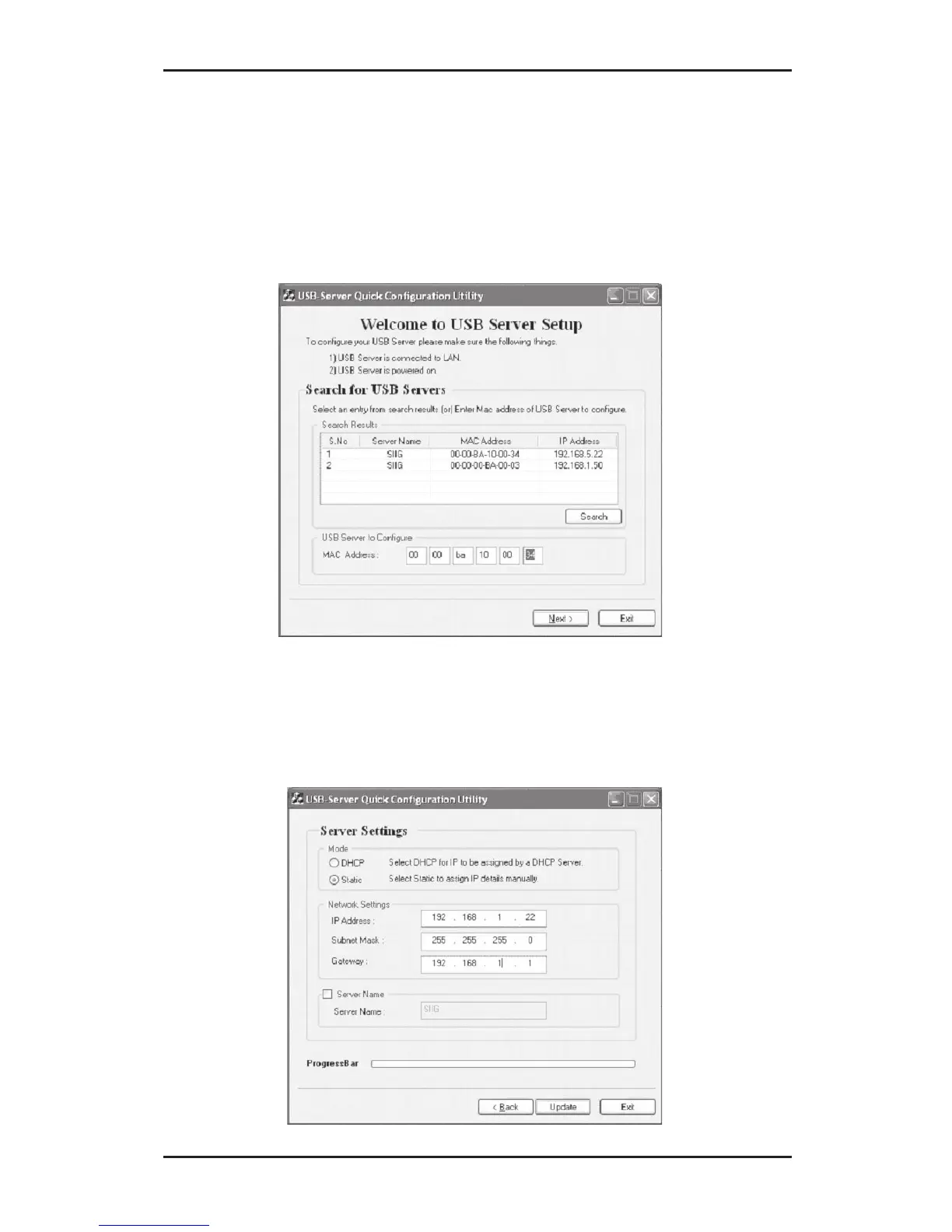
3. At the Welcome to USB Server Setup screen, if your
USB Over IP doesn't show up, go directly to section
3-3.2 IP Config - DiscoveryUtility. Otherwise
type in the Mac address of the server and click
Next.
4. At Server Settings, select either Static to assign IP
and Gateway address manually or DHCP to have
your DHCP server assign the addresses.



 To Next Page