Configuration Utility
4-21
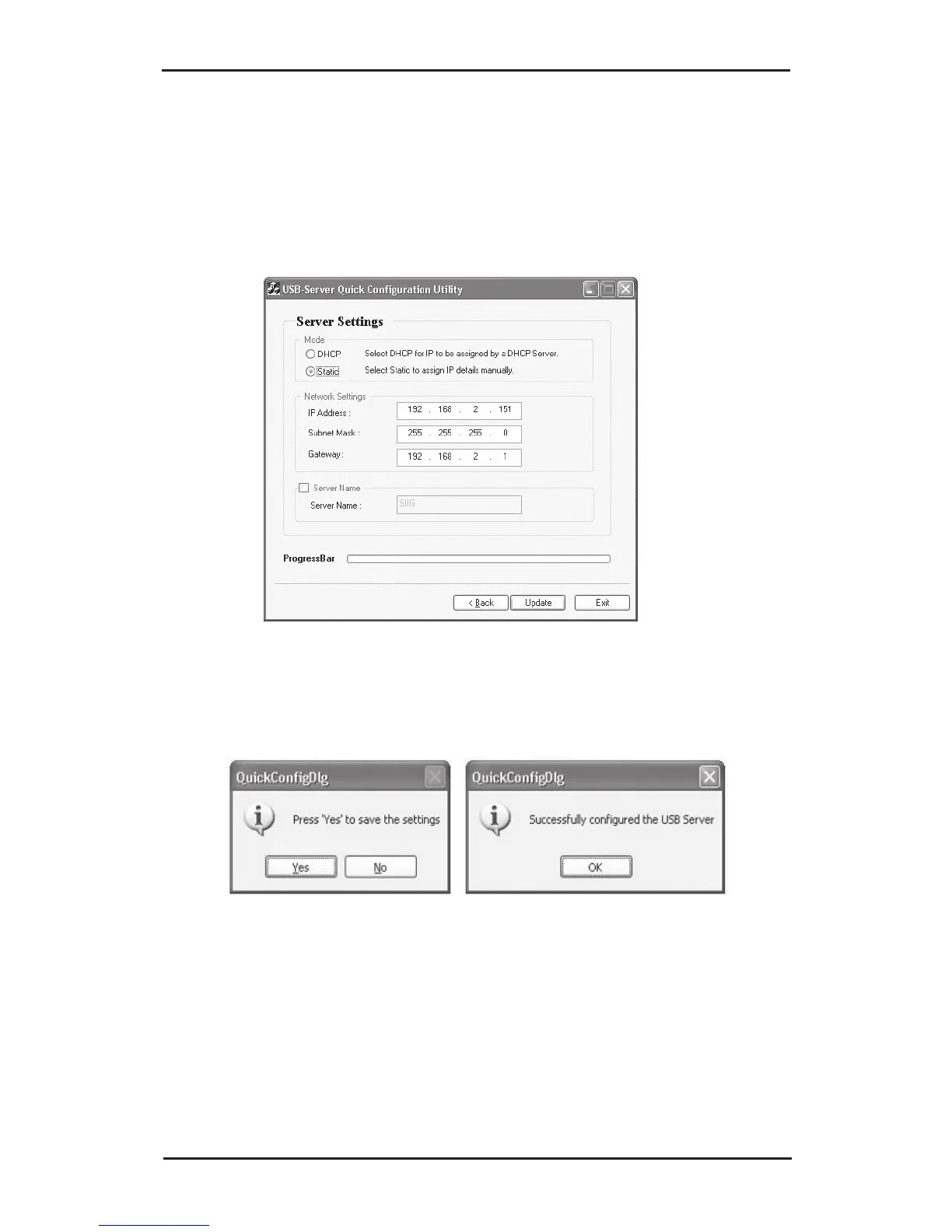
3. In Server Settings, either select Static and type in
the IP address and Gateway or select DHCP to
have them assigned by the DHCP server. After
making your changes, click Update.
4. Click Yes to save your changes, then click OK.
5. Click Exit to close the USB Server setup screen.



 To Next Page