User's Manual
4-22
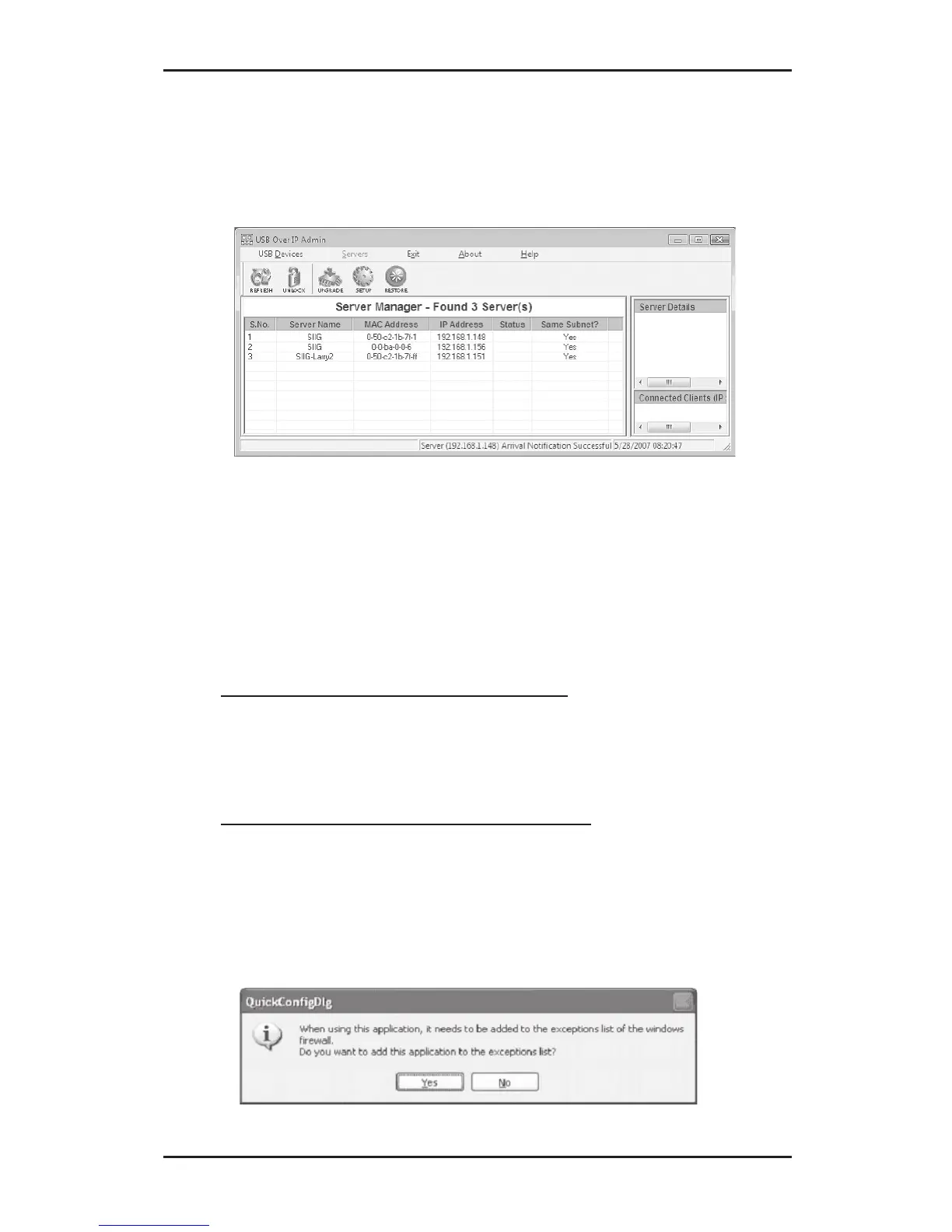
5. At the Server Manager screen, click Refresh. Yes
should be displayed in the Same Subnet? column of
the server.
4-3.2.7 Configure IP Address: Server On Different
Subnet
1. Insert the USB Over IP CD.
2. Click the Start button.
For Windows 7 / Vista / 2008: In the Start Search
box, type D:\IPConfig\DiscoveryUtility.exe,
press Enter. (Change D: to match your CD-ROM
drive letter)
For Windows XP / Server 2003: Click Run, type
D:\IPConfig\DiscoveryUtility.exe, then click OK.
(Change D: to match your CD-ROM drive letter)
3. Click Yes to add the application to Windows
Firewall exceptions list.



 To Next Page