User's Manual
4-14
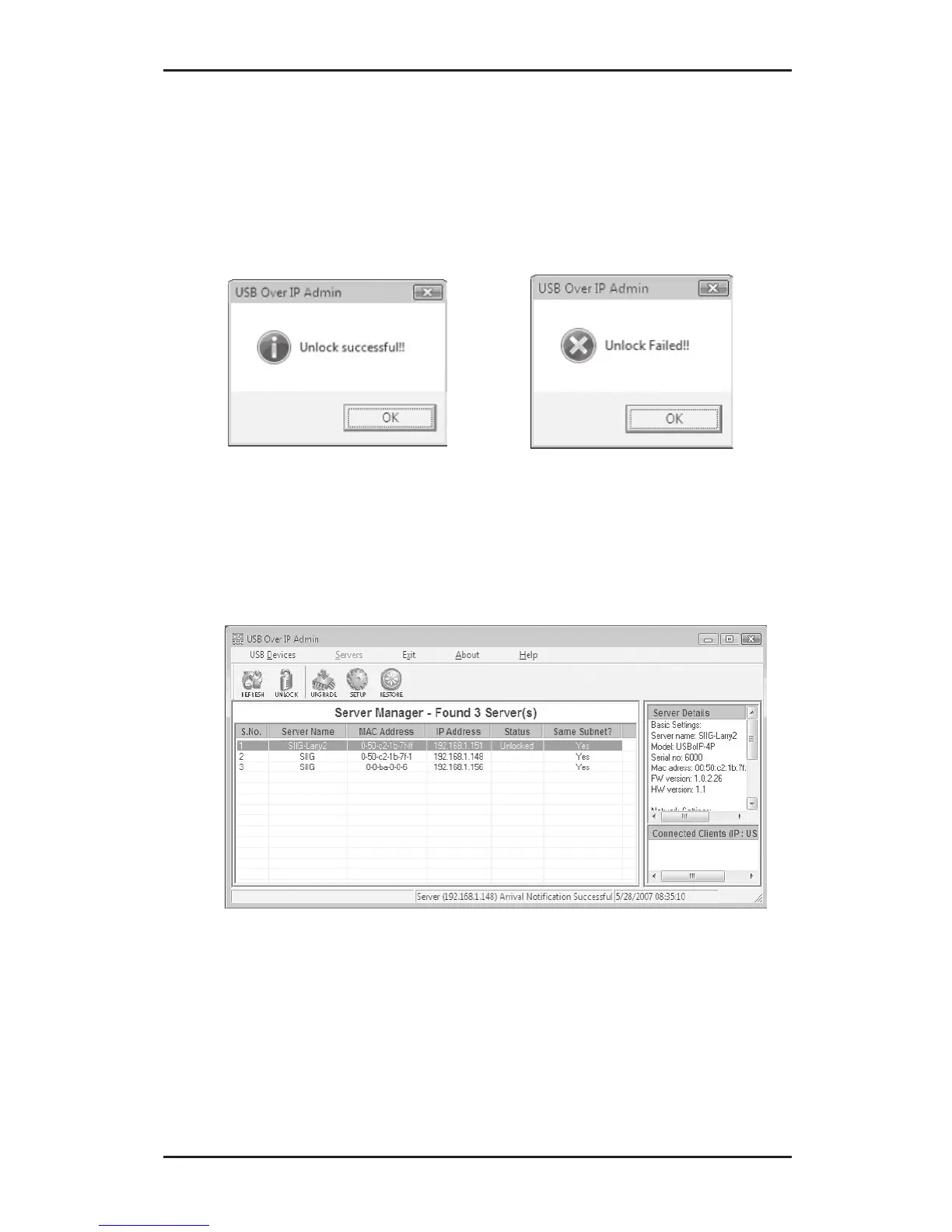
3. Your password will be confirmed or denied, click
OK. If failed, try again. If you continue to have
problems, check with your system administrator
for the correct password.
4. Click the Refresh button, the server's status should
be Unlocked. To reset the password, click the
Setup button.



 To Next Page