Configuration Utility
4-17
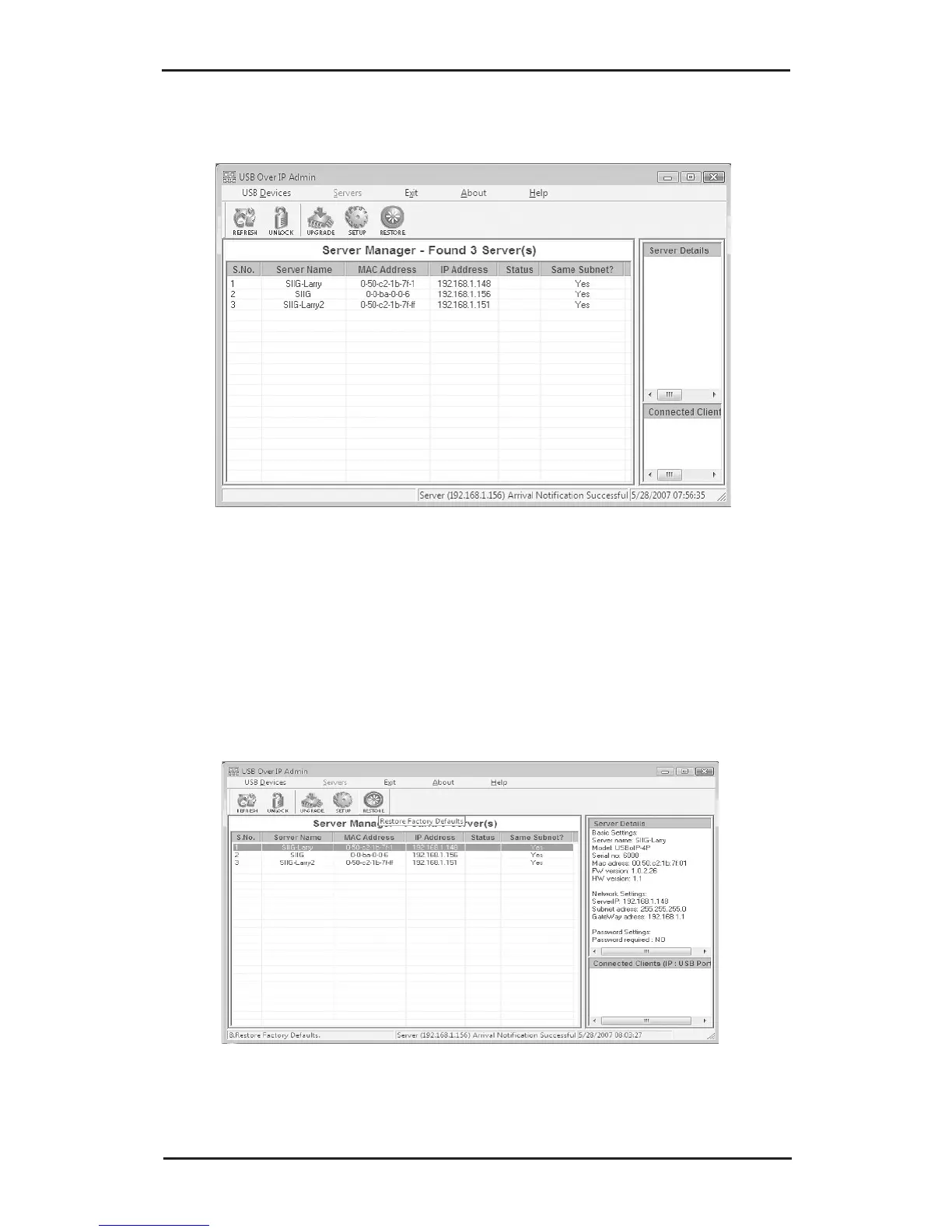
3. The Server Manager list will be refreshed.
4-3.2.4 Restore (Restore Factory Default Settings)
The factory default settings are: SIIG (Server Name),
192.168.3.22 (IP) and 192.168.3.1 (Gateway).
1. Select a server, click the Restore button.



 To Next Page