ON-SCREEN DISPLAY (OSD) MENU SETTINGS
OSD Menu Controls
The projector has an OSD that lets you make image adjustments and change various settings.
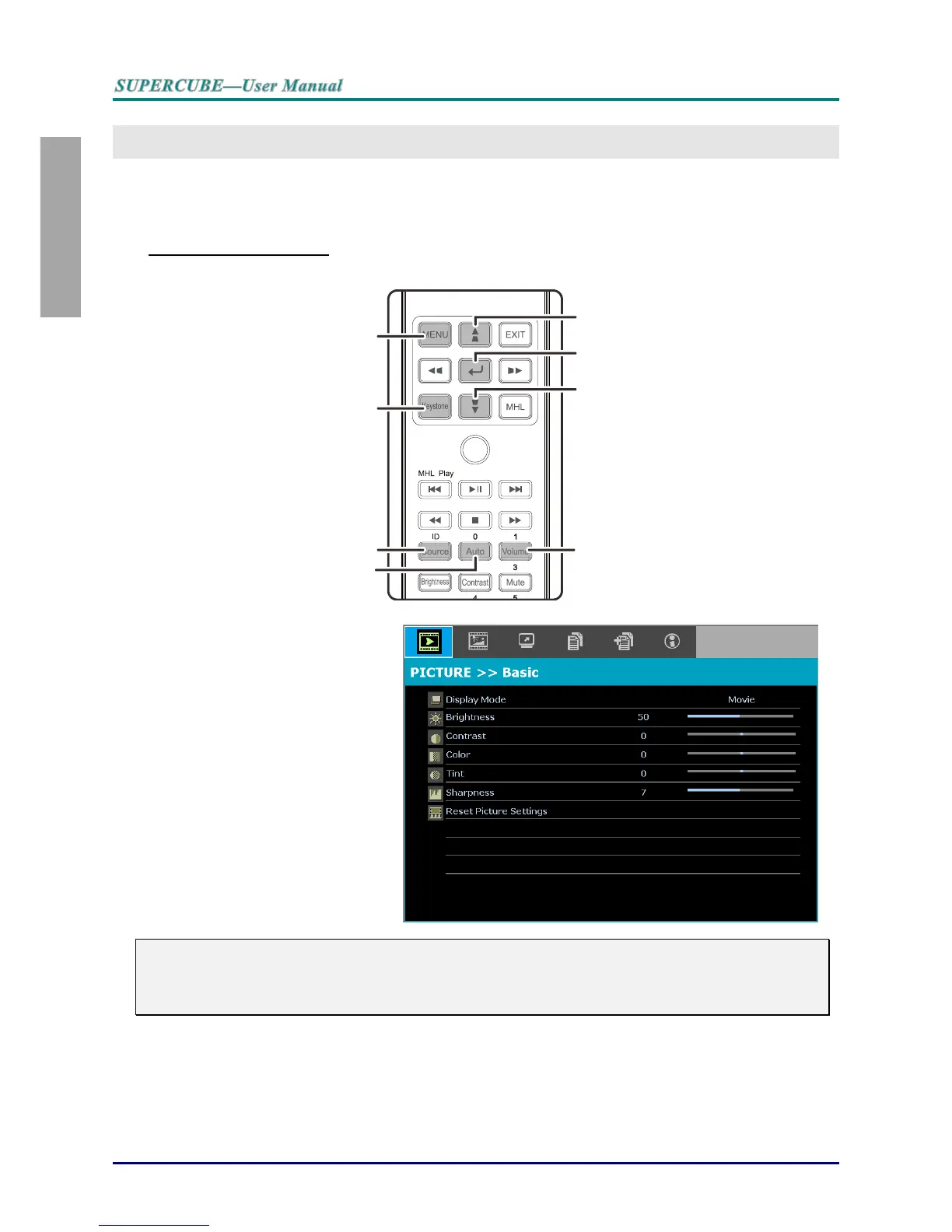
Navigating the OSD
You can use the remote control cursor buttons to navigate and make changes to the OSD.
1. To enter the OSD, press the
MENU button.
2. There are six menus. Press
the cursor ◄► button to
move through the menus.
3. Press the cursor ▲▼ button
to move up and down in a
menu.
4. Press ◄► to change values
for settings.
5. Press MENU to close the
OSD or leave a submenu.
Note:
Depending on the video source, not all items in the OSD are available. For example, the
Horizontal/Vertical Position items in the Computer menu can only be modified when connected
to a PC. Items that are not available cannot be accessed and are grayed out.



 To Next Page