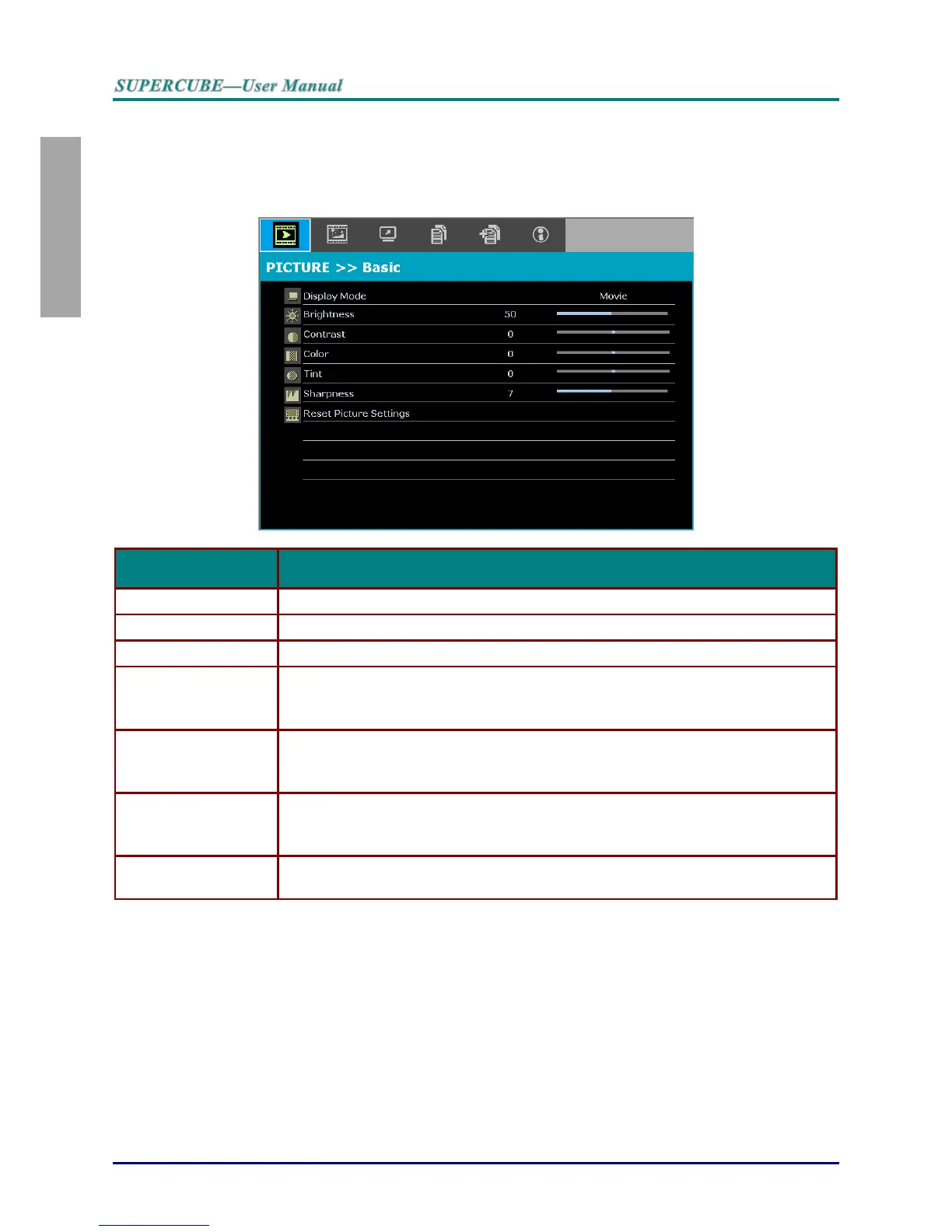
PICTURE>>Basic Menu
Press the MENU button to open the OSD menu. Press the cursor ◄► button to move to the
PICTURE>>Basic menu. Press the cursor ▲▼ button to move up and down in the
PICTURE>>Basic menu. Press ◄► to change values for settings.
Press the cursor ◄► buttons to set the Display Mode.
Press the cursor ◄► buttons to adjust the display brightness.
Press the cursor ◄► buttons to adjust the display contrast.
Press the cursor ◄► buttons to adjust the video saturation.
Notes: This function is only available when Component, Video input source is
selected.
Press the cursor ◄► buttons to adjust the video tint/hue.
Notes: This function is only available when Component, Video with NTSC system
input source is selected.
Press the cursor ◄► buttons to adjust the display sharpness.
Notes: This function is only available when Component, Video input source is
selected.
Press the ENTER button to reset all settings to default values.



 To Next Page