EasyManua.ls Logo

Sim2 SuperCube - Osd Menu Overview

Sim2 SuperCube
59 pages
Print Icon
To Next Page IconTo Next Page
To Previous Page IconTo Previous Page
Loading...
18
English
OSD Menu Overview
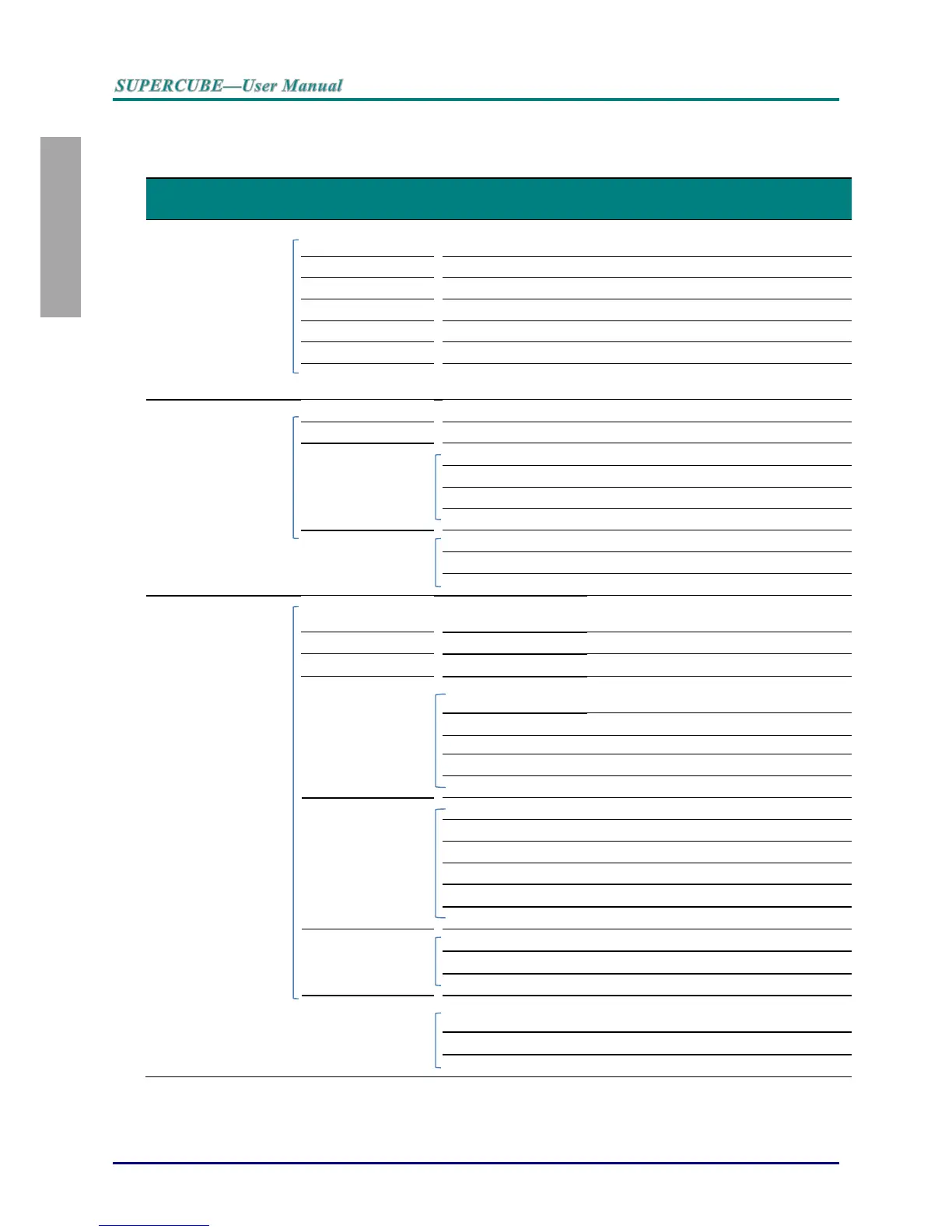
Use the following illustration to quickly find a setting or determine the range for a setting.
Main Menu
Sub Menu
Settings
Picture >>Basic
Display Mode
Presentation, Movie, Vivid , Bright,
Game, User1
Brightness
0 ~ 100
Contrast
-50 ~ 50
Color
-50 ~ 50
Tint
-50 ~ 50
Sharpness
0 ~ 15
Reset Pictures
Setting
Reset current display mode value
Picture >>Advanced
Color temperature
D65, D75, D83
Gamma
1.8 / 2.0 / 2.2 / 2.4 / B&W / Linear
HSG adjustment
Primary Color
R / G / B / C / M / Y
Hue
-50 ~ 50
Saturation
0 ~ 199
Gain
0 ~ 199
VividSettings
VividMotion
Off/ Low / Medium / High
VividPeaking
0 ~ 3
Flash tone
0 ~ 5
Display
Aspect Ratio
Auto / 16:9 / 4:3 / Letter Box / Real /
2.35:1
Keystone
-40 ~ 40
Over scan
0 ~ 10
PC detail
adjustment
Auto
enter
Frequency
By timing
Phase
0 ~ 63
Horizontal Position
-50 ~ 50
Vertical Position
-50 ~ 50
White Balance
Red Gain
-50 ~ 50
Green Gain
-50 ~ 50
Blue Gain
-50 ~ 50
Red Bias
-50 ~ 50
Green Bias
-50 ~ 50
Blue Bias
-50 ~ 50
User color temp
White Gain Red
5 ~ 195
White Gain Green
5 ~ 195
White Gain Blue
5 ~ 195
3D Setting
3D Mode
Auto / Side by Side / Top/Bottom /
Frame Sequential / 2D to 3D
3D Sync
DLP-Link / RF / Off
3D Sync Invert
Off / On

Table of Contents

Related product manuals