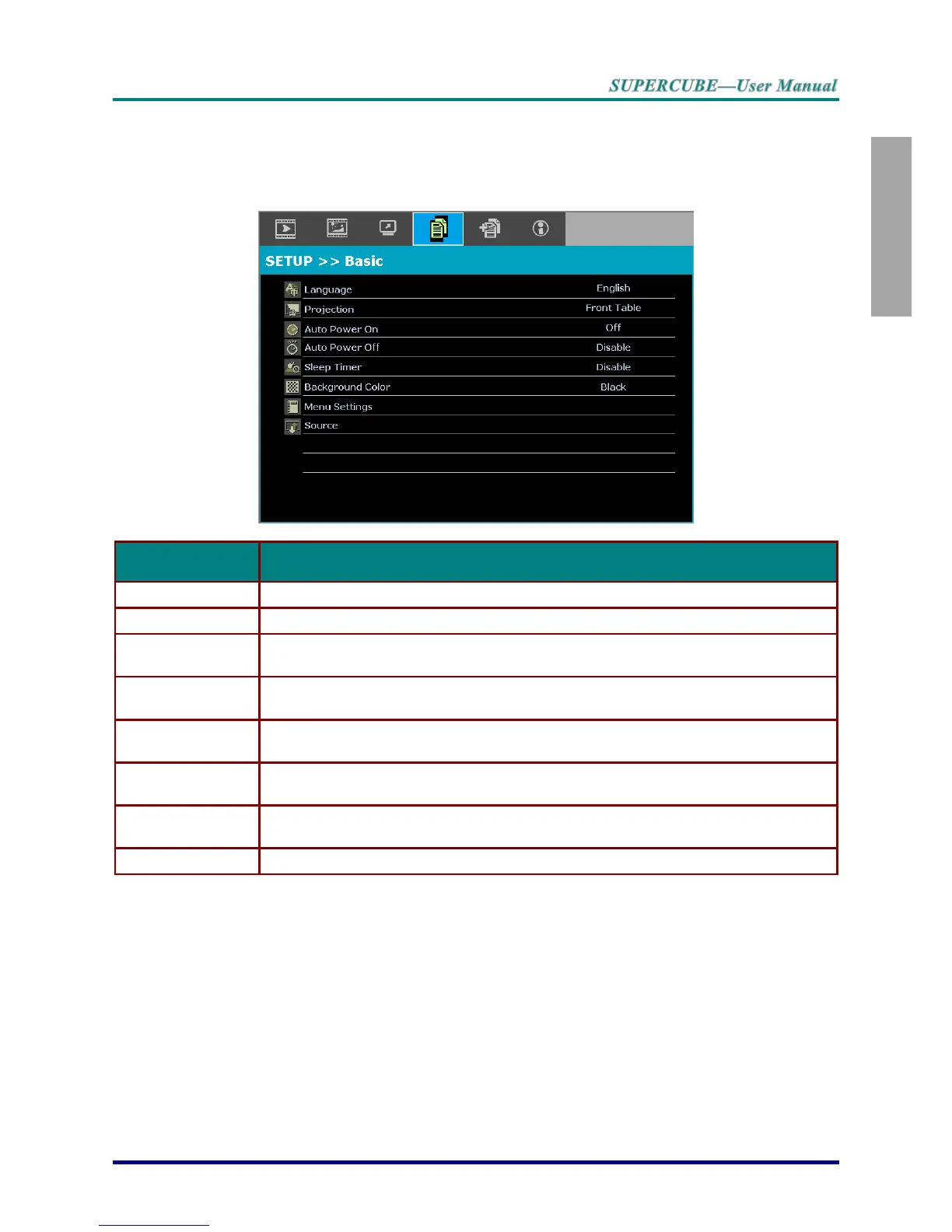
SETUP>>Basic Menu
Press the MENU button to open the OSD menu. Press the cursor ◄► button to move to the
SETUP>>Basic menu. Press the cursor ▲▼ button to move up and down in the
SETUP>>Basic menu. Press ◄► to change values for settings.
Press the cursor ◄► buttons to select a different localization menu.
Press the cursor ◄► buttons to choose from four projection methods.
Press the cursor ◄► buttons to enter and enable or disable automatic power On
when AC power is supplied.
Press the cursor ◄► buttons to set the Auto Power Off timer. The projector
automatically turns off if no input source is detected after the preset period of time.
Press the cursor ◄► buttons to set Sleep timer. The projector automatically turns off
after the preset period of time.
Press the cursor ◄► buttons to select the background color when no input source is
detected.
Press the ENTER button to enter the Menu Settings sub menu. See Menu Settings
on page 30.
Press the ENTER button to enter the Source sub menu. See Source on page 30.



 To Next Page