23
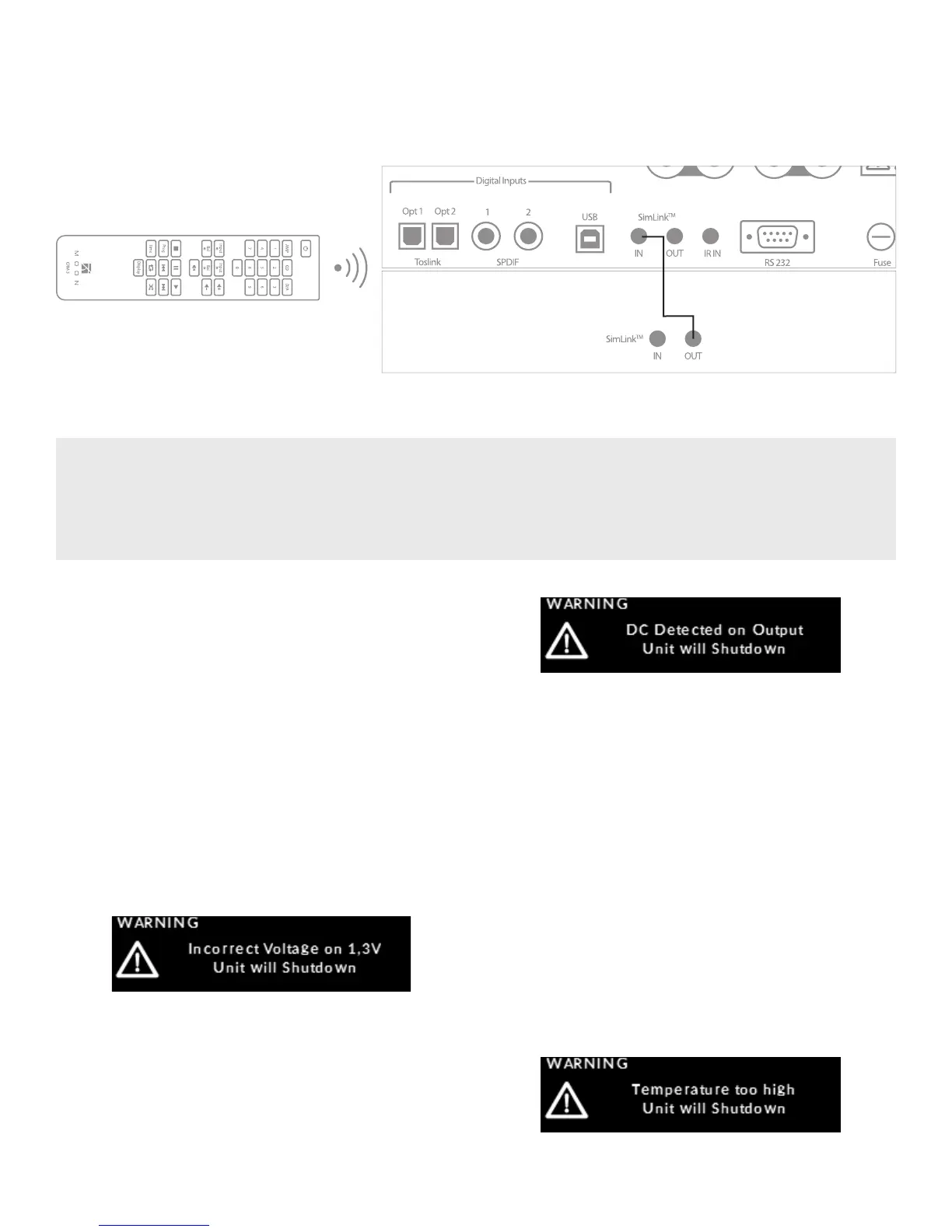
Figure 4: Remote operation with SimLink
TM
In figure 5 we have a Simlink
TM
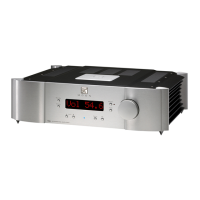
-enabled MOON component (example: the 260D CD Transport) connected to the MOON
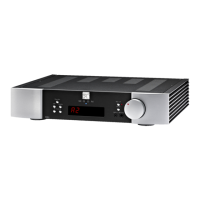
240i via their respective SimLink™ ports (using a 1/8” mini-jack cable) When you turn on the 240i via remote control or by
pressing & holding its Standby button, the 260D turn on automatically. The same rule applies when you put the 260D into
Standby mode. SimLink™ also allows for the aforementioned “MOON CD” feature in the SETUP software.
Remote control operation with other MOON components
Troubleshooting
Your MOON 240i is a “smart” integrated amplifier that is
equipped with a self-diagnostic system. An onscreen mes-
sage will help determine the cause of the problem.
The blue LED will blink at the same time. Then the 240i will
go into “Standby” mode. Here is a complete list of diagnostic
messages, each with a brief explanation:
“Incorrect Voltage on x,xV Unit will Shutdown”
is related to a power supply problem. Please contact
your MOON dealer if you see this message:
“DC Detected on Output Unit will Shutdown”
is related to DC (direct current) coming from
the source component that you are currently
listening to through your 240i:
To conrm that there is DC present, rst power down
the 240i via the main power rocker switch on the rear
panel; then disconnect the cables between the
suspect source component and the 240i. Next
power up the 240i via the main power rocker switch.
Then attempt to turn on your 240i again via
the “Standby” button: A successful power up will
conrm that DC was coming from this source;
If power up is unsuccessful and/or you still see
the “DC Detected on Output Unit will Shutdown”
message, then consult your MOON retailer for
assistance.
“Temperature too high Unit will Shutdown”
is related to the 240i’s operating temperature:


 To Next Page