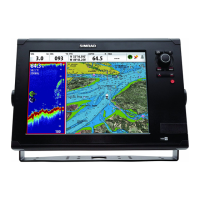
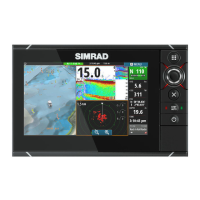
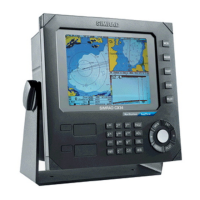
CX34/44/54 NavStation Installation 1 - 9
1.5 Location for display unit
Determine which place is the most suitable and convenient for navigation and
general operation after considering the following conditions:
- you can see the ship’s bow when you raise or lower your eyes from the dis-
play.
- there is limited exposure to direct sunlight to avoid overheating - see envi-
ronment temperature limits in 1.14 Specifications.
- there is good ventilation and minimum vibration.
- the minimum distance to a magnetic compass is 650mm (25.6”).
- provide sufficient space behind the unit to allow for proper cable connections
to the rear panel connectors.
1.6 Connection between main unit and Dual Station
The DS34/44/54-CX models are remote control units for all the main units in
the CX34/44/54 serie. The units with the same model numbers are identical in
size e.g. DS44-CX and CX44, so the same installation guides can be applied
when performing the installation. When choosing a dual station, the unit does
not have to match the main unit in size, as all the mentioned units are compat-
ible. Example:
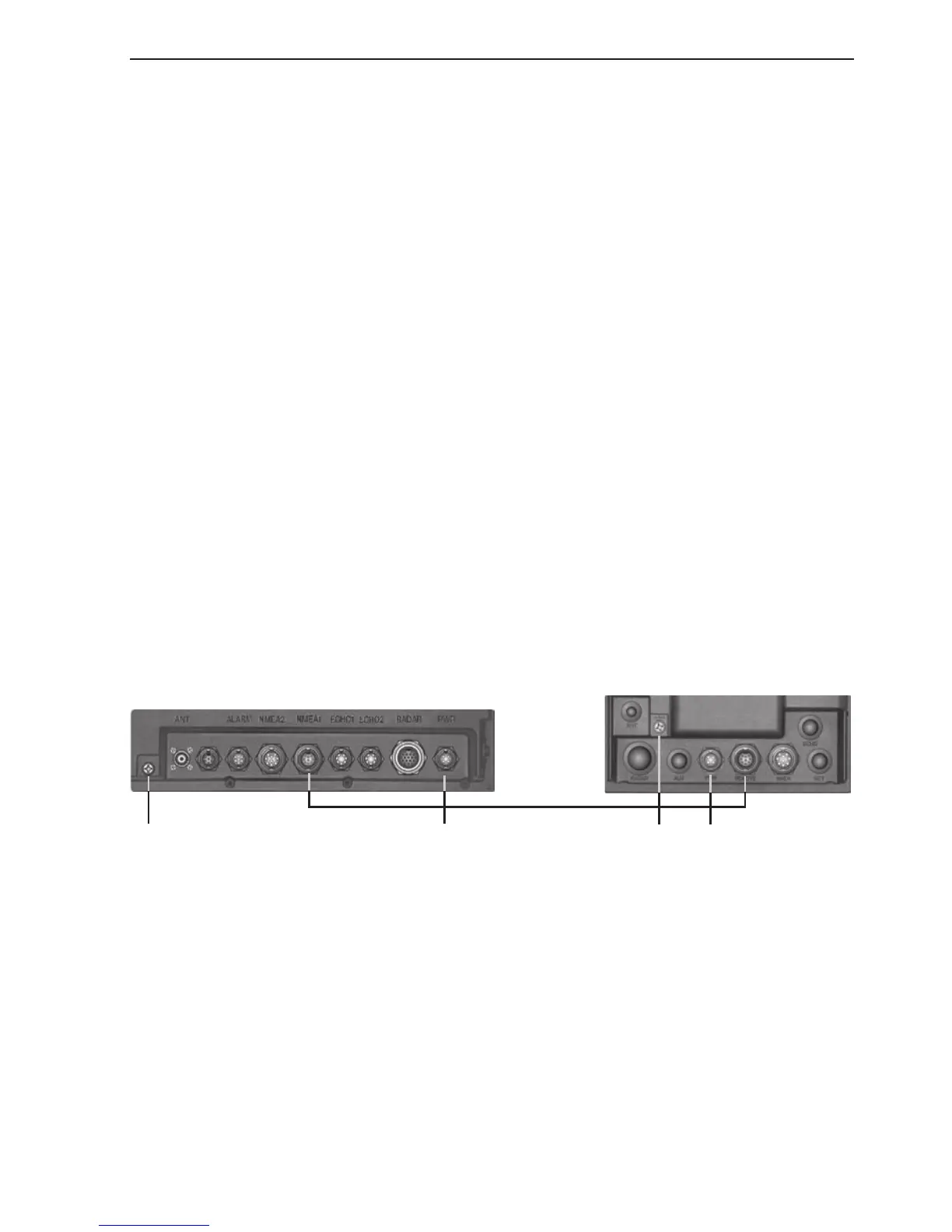
Main unit CX44 Dual Station DS34-CX
15 meters of cable
Ground Power Ground Power
A special connection cable (153-3002-023) of 15 meters with two male plugs is
supplied with the Dual Station. Push one of the male plugs into the receptacle
marked NMEA1 on the back of the CX44/54 or REMOTE on the CX34 main
unit and the second into the DS34/44/54-CX.
An extension cable (153-6080-004) of 10 meters is available for installations
requiring a total cable length of up to 25 meters.


 To Next Page