16
2.11 Select a Cartridge
-
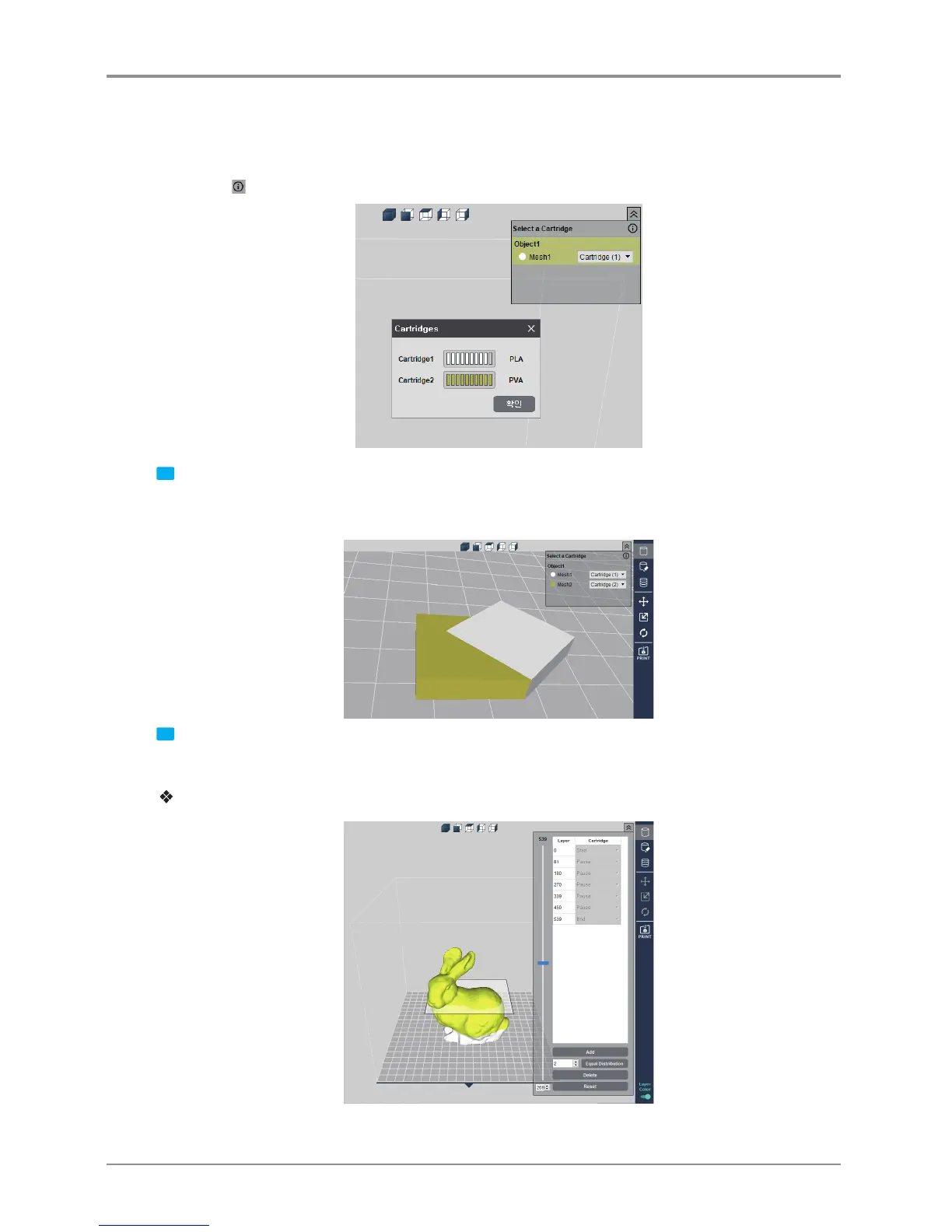
It is enabled only for the 2X or 2X DP303. When two models or a model consisting of two or more meshes
is loaded, it may print with a different cartridge by specifying the cartridge number for each mesh or object.
-
Press the button to check the filament amount of each cartridge.
1 When the Layer Color is off, [Select a Cartridge]
To print Mesh 1 with Cartridge 1 and Mesh 2 with Cartridge 2, select the cartridge for each Mesh as shown
above.
2 When the Layer Color is on, [Select a Cartridge]
If the Layer Color is activated, a 3D model cannot be right-clicked. (To delete or move object.)
For DP200/DP102, DP201/DP202, 3DWOX 1 and 1X/1X DP302
-
Pause the printing on the desired layer. Unload the cartridge, replace it, and continue printing.



 To Next Page