11
2.3 CustomProle
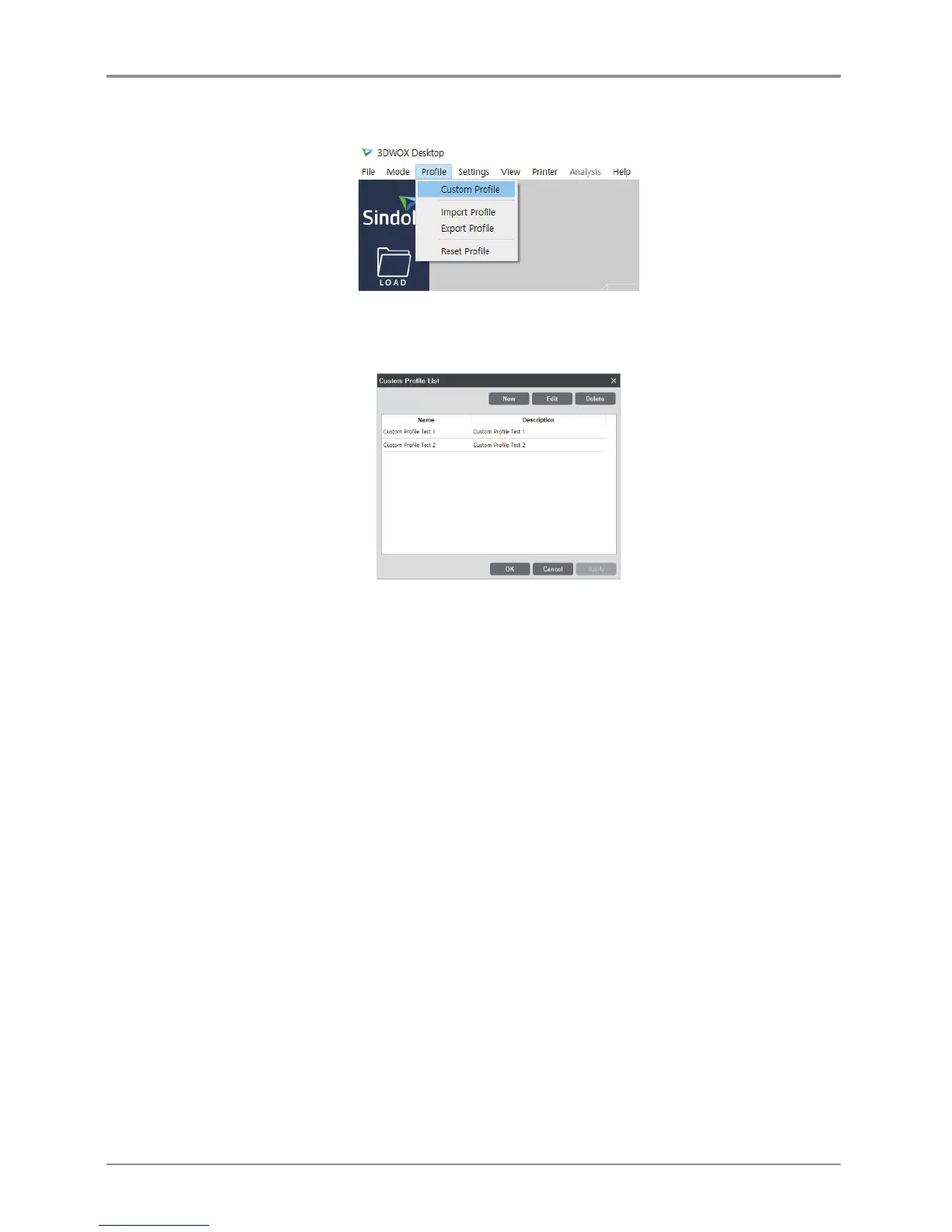
Clicking [Profile] - [Custom Profile] will open the [Custom Profile List] window.
Only custom profiles that are exclusive of the slicer program’s default profiles will be listed.
If the user has not created a custom profile, the list will be empty.
* Name: This is the profile name input by the user for profile creation.
* Description: This is the description of the profile input by the user.
- The description may be edited by double-clicking the button on the [Custom Profile List] window.
(Enter after editing) The changes will be saved when the user clicks the “OK” or “Apply” button.
* [New] button: This button enables the inputting of a new custom profile.
- When this button is clicked, the [Add Custom Profile] window will appear.
* [Edit] button: This button enables the editing of an existing custom profile.
- When editing, the user should select one custom profile at a time.
- When this button is clicked, the [Edit Custom Profile] window will appear.
* [Delete] button: This button enables the deletion of an existing custom profile.
- A deletion will only be saved when the user clicks the “OK” or “Apply” button.
- The user may select and delete multiple profiles at a time.



 To Next Page