19
2.13 Merge & Split
It is not applicable if the [Layer Color] is enabled.
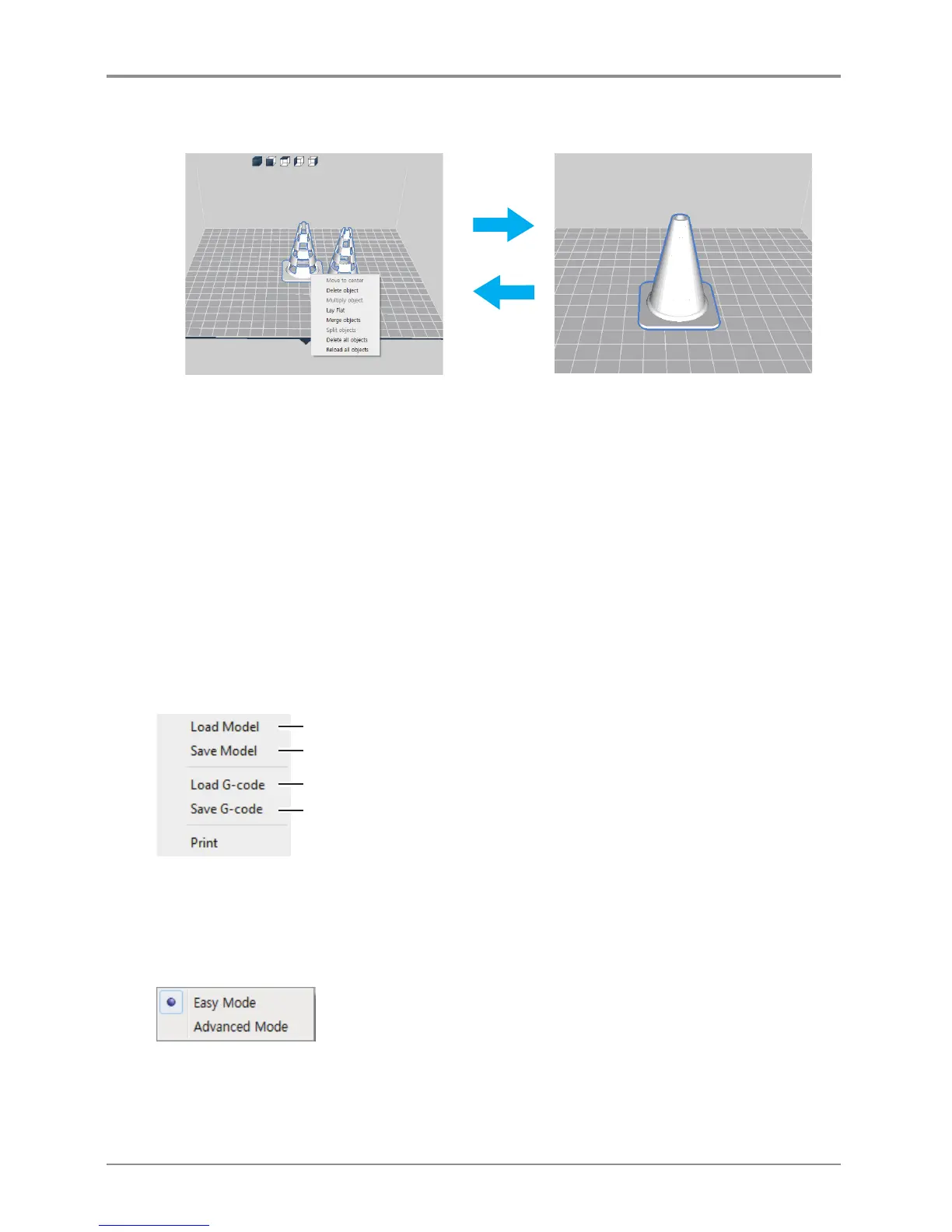
Merge
Merge is a function to align the axis with respect to the origin.
Ctrl + Select (left-click) two or more objects. Then, right-click and click merge object to merge the selected
objects. After merging them, it can be checked with Select a Cartridge. Individual meshes can be assigned to
different cartridges.
Split
Right-click and click Split to split the merged object.
Detail description
File
Loads 3D model (equivalent to Load button)
Load G-code and the model to show the print path
Save the loaded model to another type of file or name
Save G-code after slicing the loaded model
MODE
3DWOX offers users two types of different modes for slicing.
“EASY MODE” offers a predefined setting for a fast and easy print, “ADVANCED MODE” allows users to
set each and every detailed value for user preference, to achieve desired printouts.



 To Next Page