28
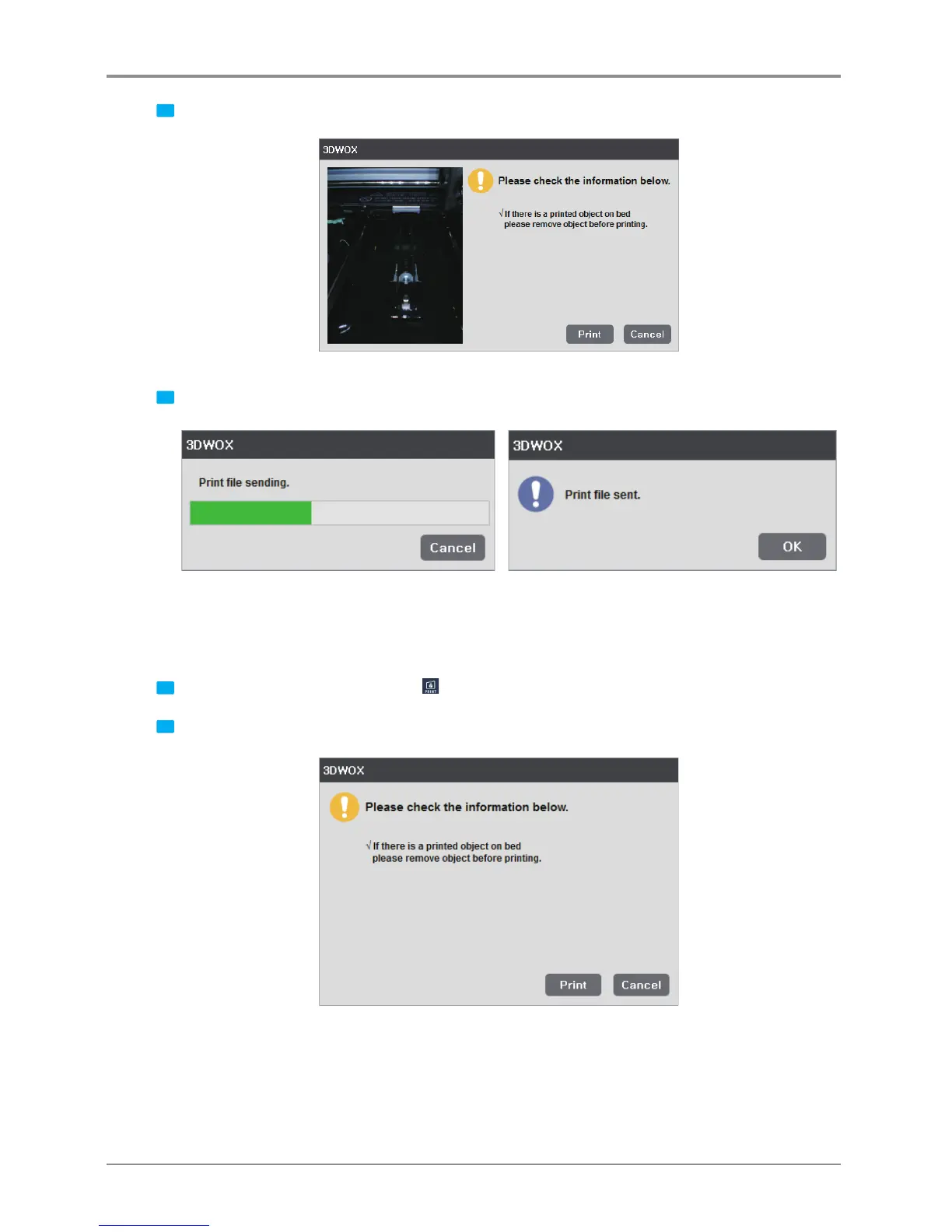
2 If the monitor shows no problems as shown below, press [Print] to begin printing.
3 G-code is sent through the Network and the printer begins printing.
Local Network Usage
In order to use this function, the printer must be connected through the USB cable.
More details can be found in the <My Printers> and <Add Local Printers> section.
1 Slice the model and select the print Icon
on the right or
[Print]
in the File menu.
2 If the monitor shows no problems as shown below, press [Print] to begin printing.



 To Next Page