26
3. Printing (basic functions)
Explanation of the steps to printing 3D model using base functions.
3.1 Loading 3D Model Files
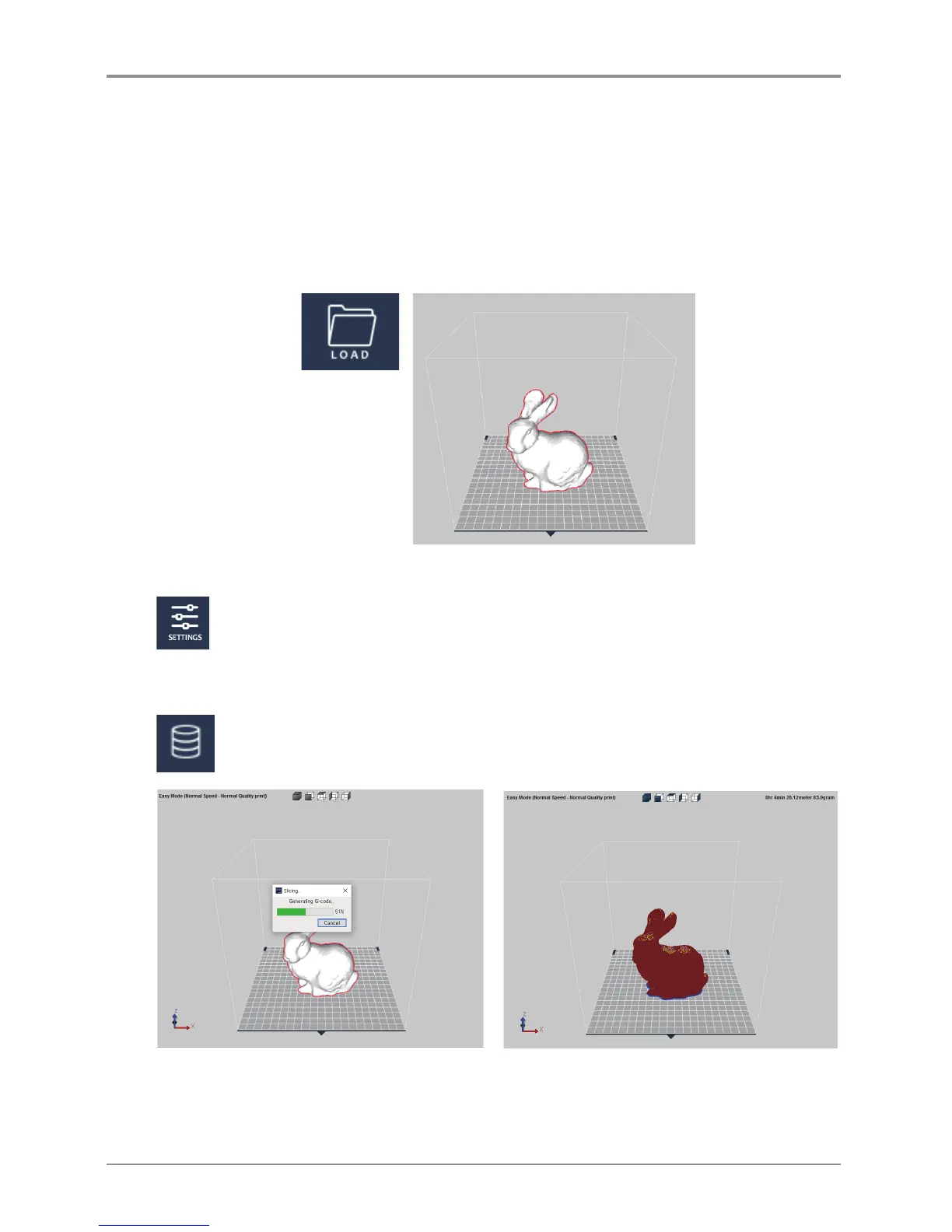
Click on the [LOAD] button located on the left hand side of the screen and select the 3D model file user wants
to import. (For each function refer to detailed descriptions).
Selected model will be positioned in the center of showing printer bed.
3.2 Basic Parameter Setting
Click on the [SETTING] button to change any parameter values.
e.g.) change the slicing layer height value which does determine the quality of the printable or
adjust the support application.
3.3 Slicing
After checking 3D model is positioned on the bed, selecting Layer Viewer mode will apply the
parameter values and execute the slicing.
The result of slicing in the layer view will be displayed on screen.
Model will not be a whole instead will be displayed in lines of layers, using the slider located at the bottom,
user is able to analyze each layer of the model.



 To Next Page