6
2. Functions and Information
2.1 Loading
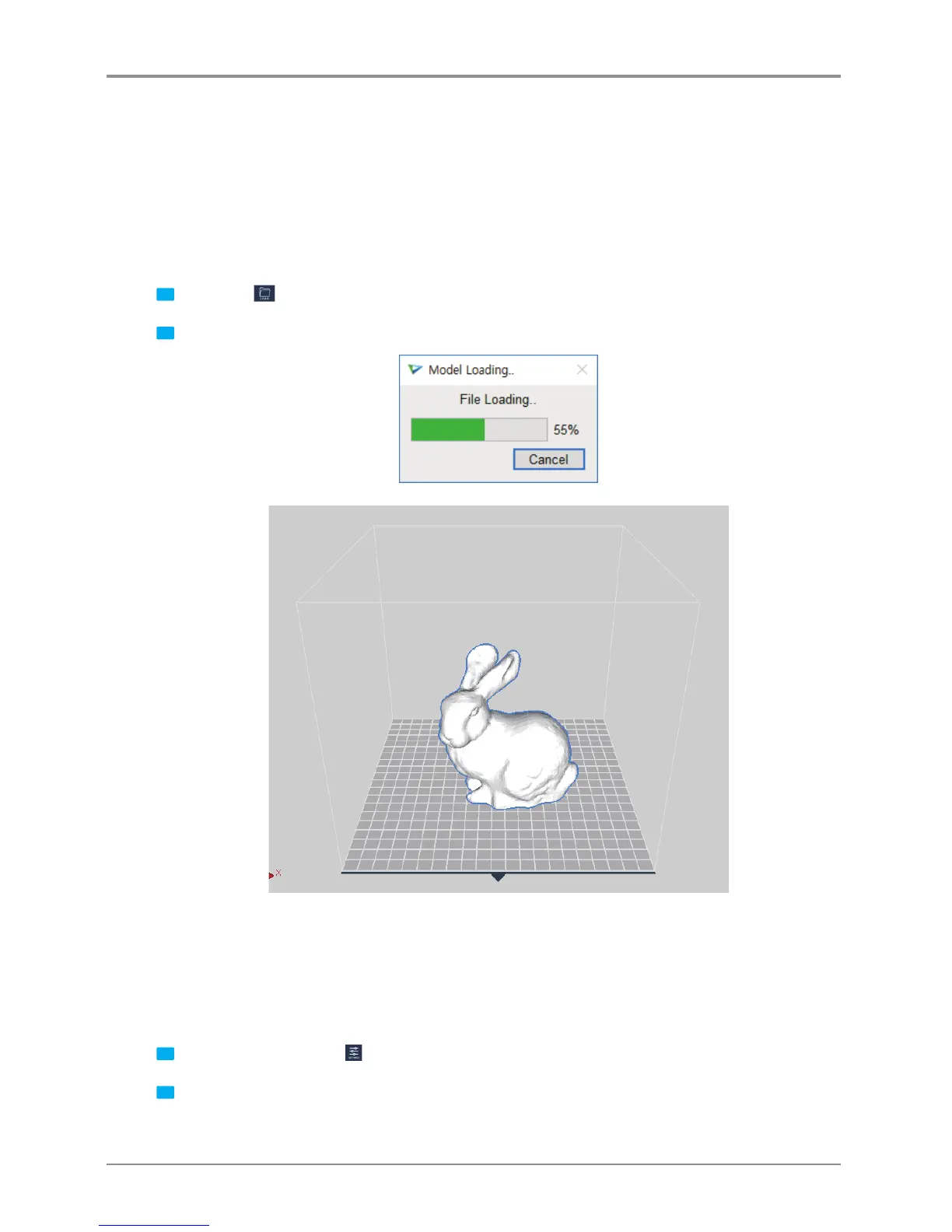
Loads a printable 3D model and displays it on the screen.
Currently supported file formats are ply, obj, stl (binary, ascii, amf)
Detail description
1
Click on the
Import button located left of screen.
2 After selecting file, 3D model file is displayed as if it’s on the printer bed.
2.2 ProleValueSetting
Slicing and printing require variety of parameter values. From the material of the filament, to the height of the
sliced layers, and to the printing speed, various parameters should be configured.
Detail description
1
Click on the Settings button
located on left bar.
2 According to selected mode a window will pop up, user can input desired profile.



 To Next Page