5
No. Name Explanation
12 3D model 3D model data displayed on the screen.
13 Import button (LOAD) Loads printable 3D data into program.
14 Settings button Settings for values necessary for slicing.
15 Filament information
indicator
Shows information on filaments inside the printer. Easily informs user of
filament material, color and remaining quantity.
2X and 2X DP303 display two bars when both cartridges are loaded.
16
(
2X/2X DP303
)
No. Name Explanation
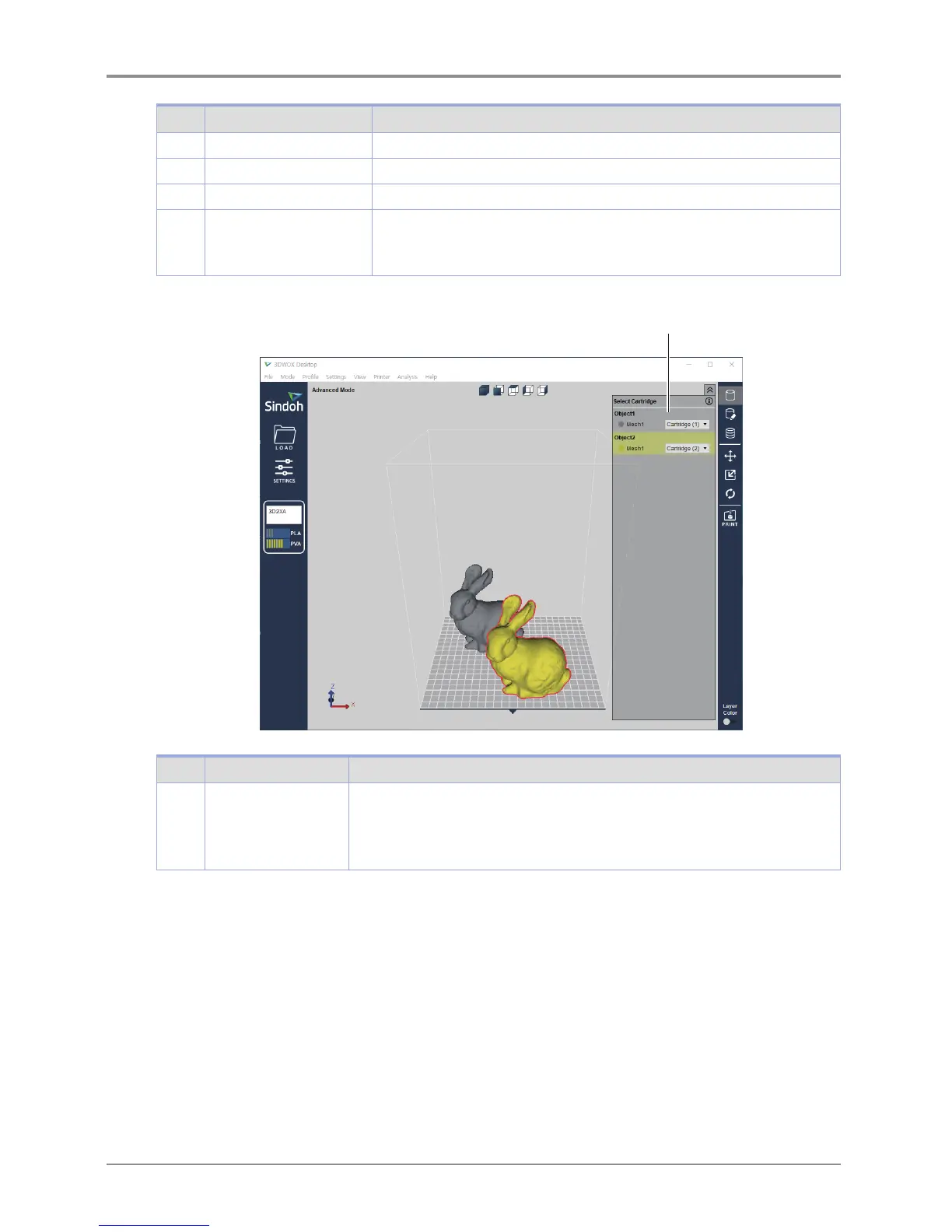
16 Select a Cartridge
button
It is enabled only for the 2X and 2X DP303. Loaded cartridges will be displayed .
If two or more objects are loaded, additional lines with cartridge selection options
will be displayed.
Cartridges can be selected and printed according to each mesh or object.



 To Next Page