27
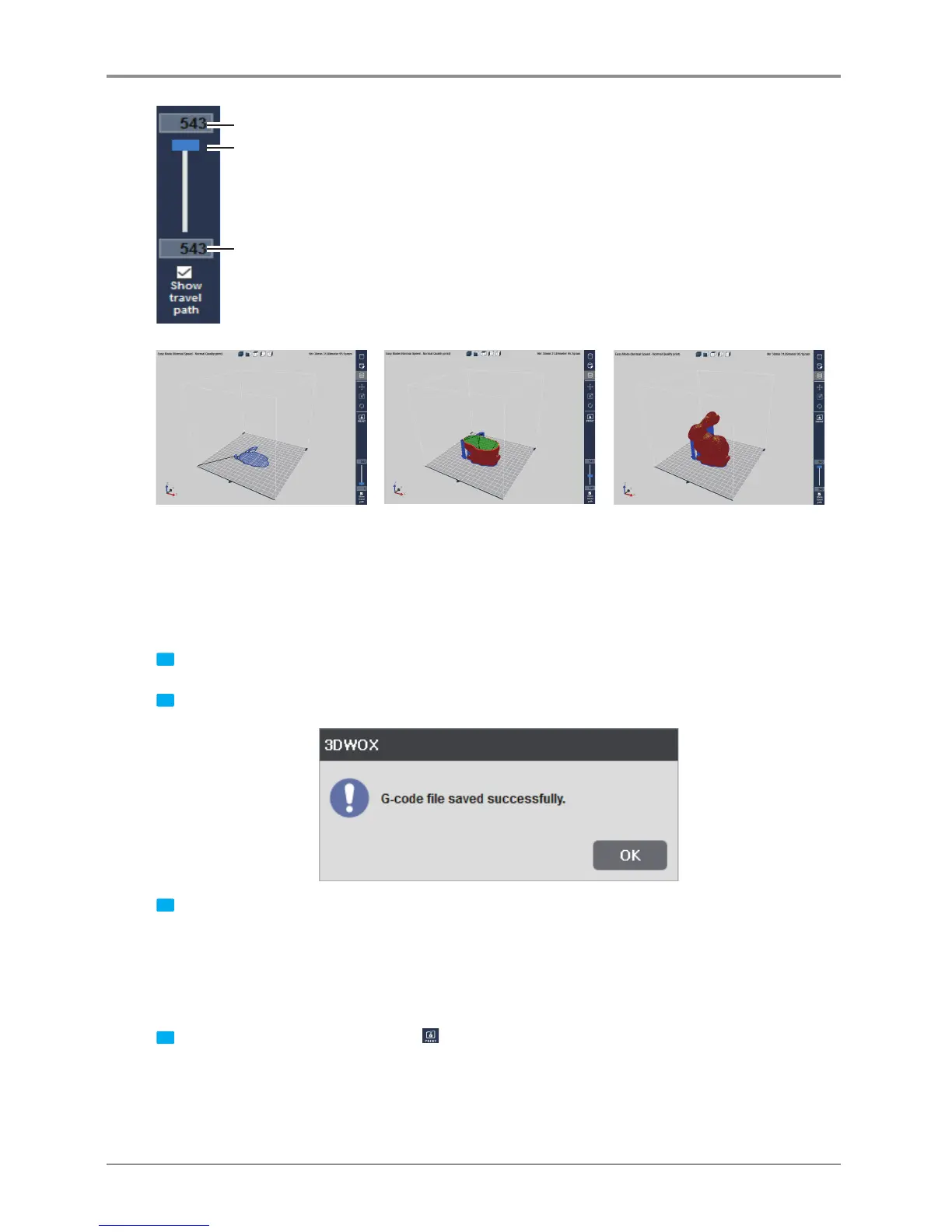
Slider to move to the desired layer
Current layer on screen
Total layer number
3.4 Print
There are three ways to print the sliced model.
USB Thumbdrive
1 Slice the model and press [Save G-code] on the File menu.
2 Save the G-code file in the USB Thumbdrive.
3 Connect to the USB port on the front side of the printer and load the G-code file to directly print the model.
Network Connection
In order to use this function, the printer has to be connected through network.
More details can be found in the <My Printers> and <Add Network Printers> section.
1 Slice the model and select the print Icon
on the right or
[Print]
in the File menu.



 To Next Page