30
4. Advanced Features
4.1 Support Edit Function
3DWOX offers users to not only use the setting values automatically calculated by the program but can be
changed manually.
Thus, you can add or delete additional supports in addition to the established supports.
These types of editing tools can be executed in Support Editing View Mode.
Support Editing View Mode
3D Model
First load 3d model into program.
Conversion to Support Edit Viewer mode
Click Support Edit Viewer mode button located on right side of screen.
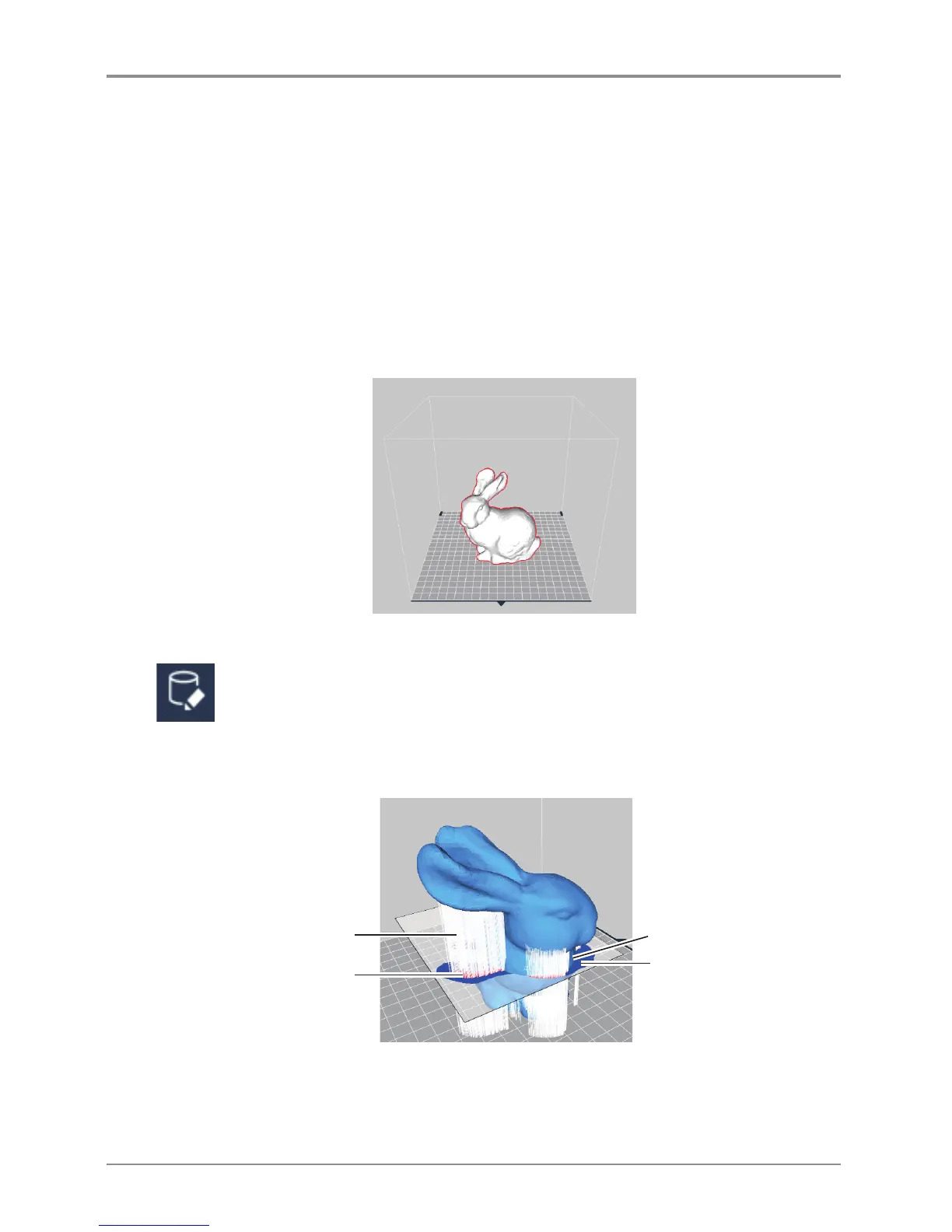
By changing View mode user will be able to view model with supports, shown below.
Brief explanation of support edit view is as the following.
Support edit section
Inactive field (Blue)
Section of field which
support is not created
Support to be created
Active field (Red)
Section of field where
perpendicular support
will be created.
By standards support is shaped in a section projecting in the direction of Z axis.
Thus, shape can be created in perpendicular direction and support edit cross sections will show the maxi
mum area that support can be created in the current section.



 To Next Page