10
-
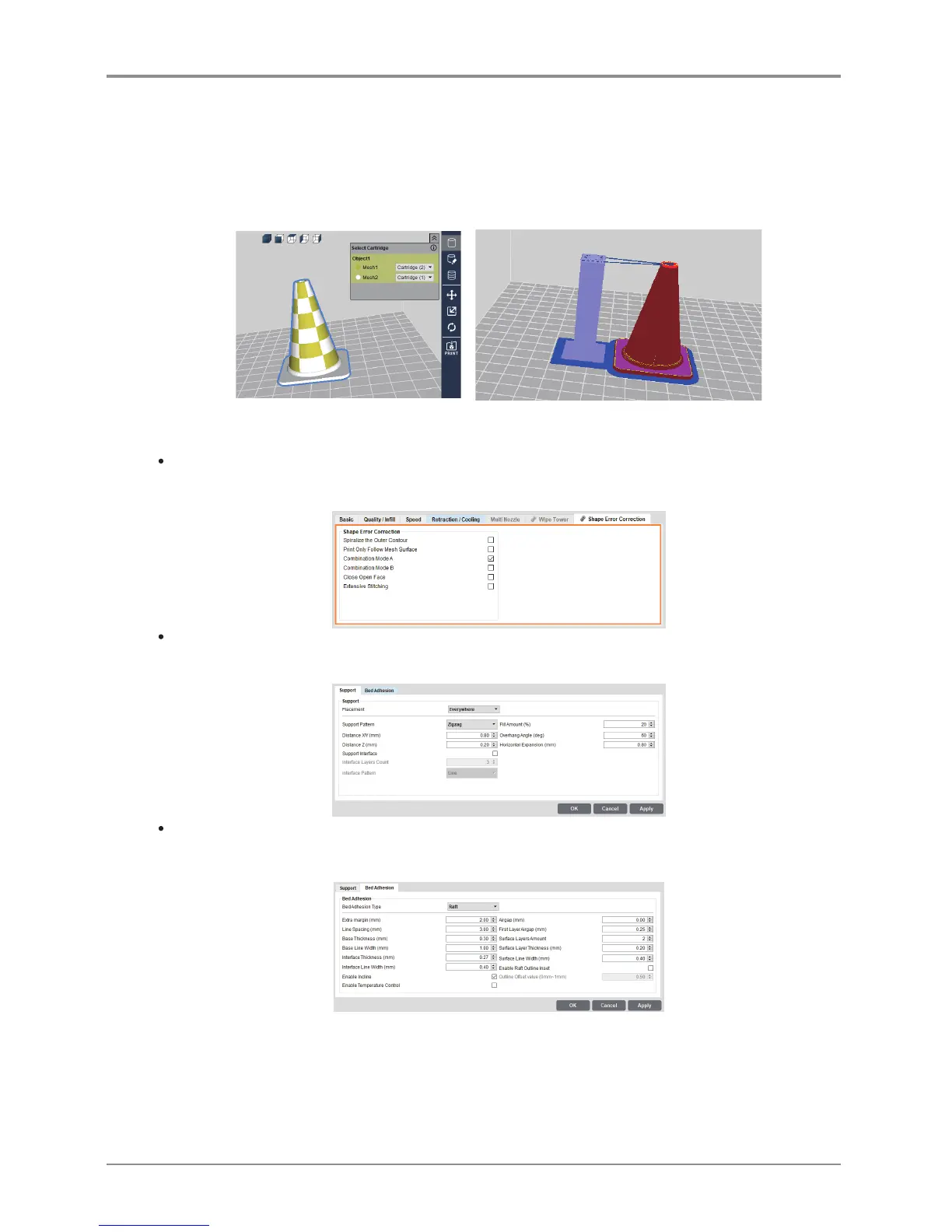
The Wipe Tower is divided into an Inner tower and an Outer tower, and one cartridge can be used in the
tower of each part.
For example, if you set the outer cartridges to (1) as shown, the inner tower will automatically be set to
cartridge (2).
-
In order to ensure a stable Wipe tower output, please enlarge the tower raft and tower size according
to the size of the shape you want to output.
-
Select [Advanced Mode]-[Enable Wipe Tower] and [Layer Viewer] to show the Wipe Tower.
Shape Error Correction
-
Shape error correction provides functions to correct mesh errors. (Ex: Printing along the mesh surface).
Support
-
It is used to set the position and pattern of support.
Bed Adhesion
-
It tab enables setting according to assigned fixing type.
-
Please set the bed adhesion type to [Brim] if the flexible filament is used to print a model with narrow
bottom. Otherwise, the output will not stick to the bed or warp.
-
In outputting a printout of large volume with a filament made of ABS material, the printout and the raft may
separate from each other because the printout is shrunk during the outputting. In such case, decrease the
“First Layer Airgap” or increase the “Flow Compensation” ([Basic]) before outputting the printout.



 To Next Page